What Does Workflow Automation Cost for a Small Business?
Workflow automation costs $300-5,000+ for small businesses depending on complexity. Real pricing breakdown for tools, implementation, and ongoing maintenance.
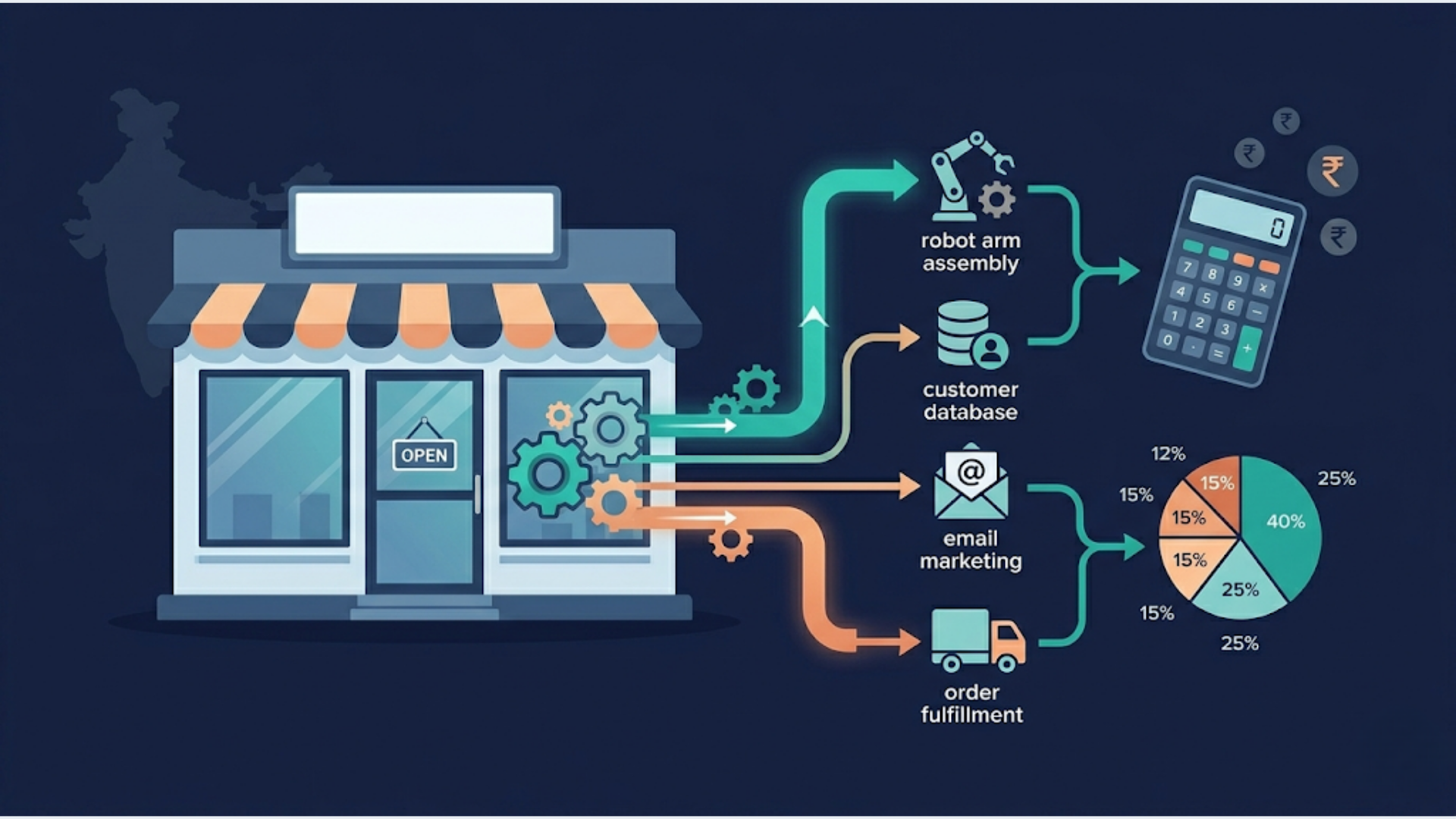
What Does Workflow Automation Cost for a Small Business?
A small business should expect to spend $300-800 for simple automations, $1,000-3,000 for mid-complexity workflows, and $3,000-10,000+ for complex multi-system integrations. Those numbers include implementation. Tool subscriptions run separately at $0-300/month depending on what you use.
I build these systems for small businesses every week. The biggest pricing mistake I see: business owners budgeting for the tool subscription but forgetting the implementation and maintenance costs that actually determine whether the automation works reliably or becomes another abandoned software purchase.
Here’s what the real numbers look like.
Typical Costs by Scope
Automation pricing depends on what you’re connecting, how many edge cases exist, and whether the workflow needs to be bulletproof or just functional.
| Complexity Level | What It Includes | Implementation Cost | Timeline |
|---|---|---|---|
| Simple | 2-3 app connections, linear logic, basic triggers | $300-800 | 1-2 weeks |
| Mid-Complexity | 4-6 integrations, conditional logic, error handling | $1,000-3,000 | 2-4 weeks |
| Complex | 7+ systems, bidirectional sync, custom code, APIs | $3,000-10,000+ | 1-3 months |
| Enterprise-grade | Multi-department, compliance, audit trails, SLAs | $10,000-50,000+ | 3-6 months |
Most small businesses fall in the simple to mid-complexity range. If someone quotes you $15,000 for a lead capture automation, they’re either overcomplicating it or padding the invoice.
Conversely, if someone quotes $200 for a “complete business automation,” they’re building something that’ll break the first time Zapier changes an API endpoint.
Cost Breakdown: Tools vs Implementation vs Maintenance
The tool subscription is the smallest line item. Implementation is where the money goes. Maintenance is what people forget.
| Cost Category | Monthly Range | What It Covers |
|---|---|---|
| Tool Subscriptions | $0-300/month | n8n (free self-hosted, $24+ cloud), Zapier ($20-100+), Make ($9-30+) |
| Implementation | One-time: $300-10,000+ | Discovery, building, testing, deployment, documentation |
| Hosting (if self-hosted) | $10-50/month | Server, SSL, backups, monitoring |
| Maintenance | $50-500/month | Monitoring, fixing breaks, updating for API changes |
| Optimization | $200-1,000/quarter | Performance tuning, adding capabilities, adapting to new needs |
A realistic first-year budget for a small business automating 3-5 workflows:
- Tool subscription: $50/month ($600/year)
- Implementation: $2,000-5,000 (one-time)
- Maintenance: $100/month ($1,200/year)
- Total first year: $3,800-6,800
- Subsequent years: $1,800-2,400/year
That’s the honest math. Anyone who tells you automation is “just $20/month for Zapier” is describing the tool, not the solution.
DIY vs Hiring a Specialist
This is the most important decision, and honesty matters here.
DIY makes sense when:
- You’re automating simple, well-documented integrations (Gmail to Spreadsheet, form submission to Slack notification)
- You have 5-10 hours to learn the platform
- The workflow isn’t business-critical (if it breaks for a day, nobody loses money)
- You enjoy building things and have basic technical comfort
Hiring a specialist makes sense when:
- The automation touches customer data, payments, or order fulfillment
- Multiple systems need to stay in sync (CRM + invoicing + email + reporting)
- Uptime matters (broken automation = lost revenue or angry customers)
- Your time is worth more than the implementation cost
- You need it done right the first time, not the third time
Here’s the tradeoff nobody talks about. A business owner who spends 40 hours learning n8n and building a workflow has spent $2,000-8,000 worth of their own time (at $50-200/hr opportunity cost). A specialist builds the same thing in 10-15 hours for $1,000-2,000.
DIY isn’t free. It’s just paid in time instead of money. Sometimes that’s the right call. Often it’s not.
I’m not saying this because I sell implementation services. I’m saying it because I’ve rebuilt dozens of DIY automations that cost businesses more in lost data and broken processes than the original professional build would have cost.
ROI Framework: Hours Saved vs Money Spent
Before spending anything, do this math. It takes five minutes and prevents bad investments.
Step 1: Identify the manual task. Example: manually entering new leads from your website form into your CRM, sending a welcome email, and notifying the sales team on Slack.
Step 2: Estimate time per occurrence. Each lead: 4 minutes to copy data, 2 minutes to send email, 1 minute to notify team = 7 minutes per lead.
Step 3: Calculate monthly time cost. 50 leads/month x 7 minutes = 350 minutes = ~6 hours/month of manual work.
Step 4: Assign a dollar value to that time. Employee cost: $25/hr x 6 hours = $150/month in labor. Or your time at $100/hr = $600/month in opportunity cost.
Step 5: Compare to automation cost. Automation implementation: $500 one-time. Tool subscription: $20/month. Monthly maintenance: $0 (simple workflow).
The math:
- Month 1: $520 spent (implementation + subscription), $150-600 saved
- Month 4: Break-even on implementation cost
- Month 12: $240 total cost, $1,800-7,200 saved
- ROI: 650-2,900% in year one
That’s a simple example. Complex automations with higher implementation costs still typically pay for themselves within 3-6 months.
The workflows worth automating first are the ones you do most frequently, that take the most time per occurrence, and that have the highest error cost when done manually.
India Pricing Context
For Indian small businesses, automation costs significantly less in absolute terms, but the ROI logic is identical.
| Engagement | India Pricing (INR) | USD Equivalent |
|---|---|---|
| Simple automation | Rs 20,000-50,000 | $240-600 |
| Mid-complexity | Rs 60,000-2,00,000 | $720-2,400 |
| Complex multi-system | Rs 2,00,000-8,00,000 | $2,400-9,600 |
| Monthly maintenance | Rs 5,000-30,000/month | $60-360/month |
| Tool subscriptions | Rs 0-25,000/month | $0-300/month |
Indian agencies and freelancers are 40-60% cheaper than US counterparts for comparable work. But “comparable” is the key word. The talent pool has grown enormously, but so has the range in quality.
Local advantages for Indian SMBs: developers who understand GST compliance workflows, UPI/Razorpay payment integrations, WhatsApp Business API (which is the primary customer communication channel for most Indian businesses), and India-specific CRM patterns.
At triggerAll, I work with Indian SMBs in INR, with timezone alignment and cultural context baked in. That context matters more than people realize. A developer who understands how an Indian insurance agency actually processes claims builds a better automation than one learning your business context from scratch.
5 Workflows That Pay for Themselves in 30 Days
These are the automations I recommend starting with. They’re simple to build, high-impact, and deliver measurable ROI within the first month.
1. Lead Capture to CRM
What it does: Website form submission automatically creates a CRM contact, sends a personalized welcome email, and notifies your sales team on Slack or WhatsApp.
Cost: $300-600 to build. $20/month for tools. Time saved: 5-10 hours/month for businesses getting 50+ leads. Payback: 2-4 weeks.
2. Invoice Follow-Up Sequence
What it does: When an invoice goes unpaid past the due date, an automated sequence sends reminder emails at day 3, day 7, and day 14. Escalates to a phone call task for your team at day 21.
Cost: $400-800 to build. Minimal tool cost if using existing invoicing software. Time saved: 3-5 hours/month. Plus faster collections (businesses report 15-25% improvement in payment speed). Payback: 1-3 weeks.
3. Order Confirmation and Status Updates
What it does: Customer places an order, automatically receives confirmation via email and WhatsApp, gets shipping updates when status changes, and receives a delivery follow-up requesting feedback.
Cost: $500-1,200 to build depending on your e-commerce platform. Time saved: 8-15 hours/month for businesses processing 100+ orders. Payback: 1-2 weeks.
4. Appointment Scheduling and Reminders
What it does: Customer books via your website or WhatsApp, automatically gets confirmation, calendar event created for your team, reminder sent 24 hours and 1 hour before, no-show follow-up if needed.
Cost: $300-700 to build. Time saved: 5-8 hours/month. Plus 30-50% reduction in no-shows (which has direct revenue impact). Payback: 1-2 weeks.
5. Weekly Report Generation
What it does: Pulls data from your CRM, invoicing, and marketing tools every Monday morning. Generates a summary report with key metrics and emails it to you (or posts to Slack).
Cost: $500-1,000 to build. Time saved: 2-4 hours/week. More importantly, you actually get the report consistently instead of “meaning to pull those numbers.” Payback: 2-4 weeks.
Start with the one that causes the most daily friction. For most businesses, that’s lead capture or appointment scheduling.
For a deeper dive into implementation costs with specific tools like n8n, see How Much Does an n8n Developer Cost in 2026?. And for businesses evaluating different automation platforms, our comparison guides break down the tradeoffs.
FAQ
Q1: What is the cheapest way to automate my business? A: Start with free tiers. n8n is free to self-host, Zapier has a free plan with 100 tasks/month, and Make offers a free tier with 1,000 operations/month. Build simple automations yourself using these tools’ visual editors. The cheapest approach is DIY on free tiers, but factor in your time cost. For many business owners, paying $500-1,000 for professional implementation saves 20-40 hours of learning and troubleshooting.
Q2: How much should I budget for workflow automation? A: Budget $2,000-5,000 for your first year if you’re automating 3-5 workflows with professional help. That covers implementation ($1,500-3,500 one-time), tool subscriptions ($600-1,200/year), and basic maintenance ($300-600/year). Subsequent years drop to $1,500-2,000 since implementation is done. Start with one high-impact workflow and expand based on results.
Q3: Is Zapier cheaper than hiring a developer? A: Zapier is cheaper for simple automations (under 5 steps, standard integrations). A Zapier plan at $20-100/month with DIY setup costs less than hiring a developer. But for complex workflows with custom logic, error handling, or high-volume processing, Zapier’s per-task pricing can exceed $300-500/month, at which point a developer building on n8n or Make often costs less long-term.
Q4: How long before automation pays for itself? A: Most well-chosen automations pay for themselves within 1-3 months. Simple automations (lead capture, notifications) break even in 2-4 weeks. Complex implementations (multi-system integrations, custom dashboards) take 3-6 months. The key variable is how much manual time you’re replacing and how expensive that time is. Use the ROI framework above to calculate your specific payback period.
Q5: What’s the difference between no-code and custom automation costs? A: No-code platforms (Zapier, Make) cost $20-300/month in subscriptions with $300-2,000 in setup. Custom automation (n8n self-hosted, Python scripts, API integrations) costs $0-50/month in infrastructure with $1,000-10,000+ in development. No-code is faster and cheaper upfront. Custom is cheaper long-term for high-volume or complex use cases, and gives you full control over your data and logic.
Q6: Do I need ongoing maintenance for automated workflows? A: Yes. Plan for it. APIs change, tools update their interfaces, and business processes evolve. Budget $50-200/month for monitoring and minor fixes. Most workflows need attention 1-3 times per year when an API changes or a connected tool updates its authentication. Without maintenance, automations break silently, and you don’t know until a customer complains or data goes missing.
Need help implementing this?
Book a free 30-minute discovery call. We'll map your current setup, identify quick wins, and outline what automation can do for your business.
Book a Free Discovery Call