Airtable vs Google Sheets for Automation: Which Is Better?
Airtable vs Google Sheets for automation. API capabilities, webhooks, record limits, formula power, integrations, and pricing compared. When each wins as an automation backend.
Airtable vs Google Sheets for Automation: Which Is Better?
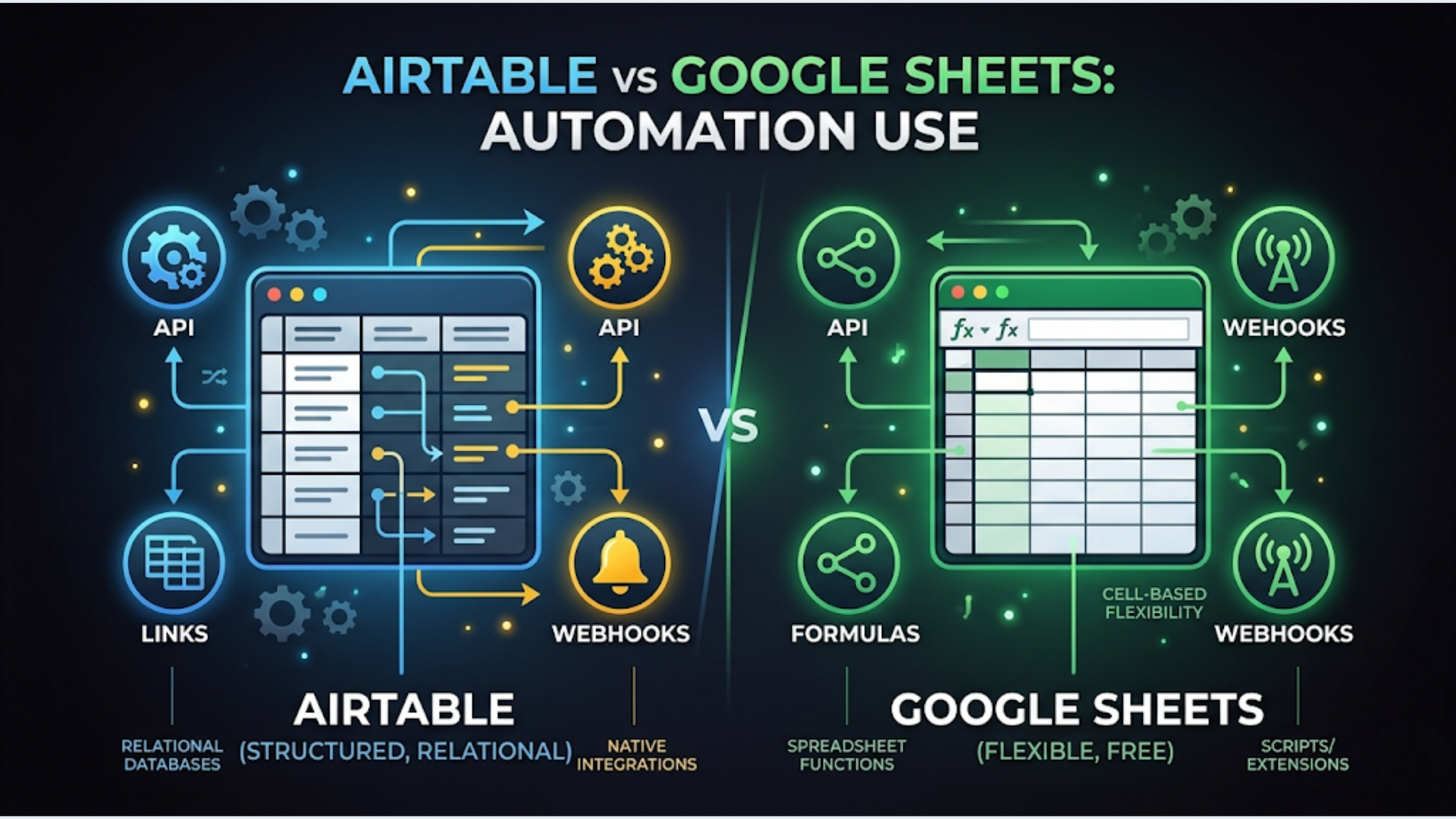
Google Sheets wins when you need a free, universally accessible automation backend with unlimited cells, powerful formulas, and no per-record pricing. Airtable wins when you need structured relational data, built-in automations, file attachments per record, and a clean interface for non-technical users to interact with.
Short answer: Use Google Sheets if budget matters and your data is flat. Use Airtable if your data has relationships and your team needs to interact with it directly.
I build these systems for businesses every week. The choice between Airtable and Google Sheets as an automation backend is one of the first architectural decisions in any workflow project. Pick wrong and you are rebuilding 3 months later.
Here is the honest comparison.
As Automation Backends: What Actually Matters
Both Airtable and Google Sheets can serve as the “database” behind your automations. An n8n, Make, or Zapier workflow reads data from them, processes it, and writes results back.
But they behave very differently under the hood.
Google Sheets is a spreadsheet pretending to be a database. It stores data in rows and columns. No data types (everything is text until a formula interprets it). No relationships between tables (you fake it with VLOOKUP or INDEX/MATCH). No built-in validation beyond basic data rules.
Airtable is a database pretending to be a spreadsheet. It has typed fields (text, number, date, email, URL, attachment, checkbox). It has linked records (real relationships between tables). It has views (filtered, sorted, grouped) that don’t change the underlying data. It has forms, interfaces, and automations built in.
For automation, this distinction matters because:
| Factor | Google Sheets | Airtable |
|---|---|---|
| Data integrity | Low (any cell can contain anything) | High (typed fields enforce structure) |
| Relationships | Manual (VLOOKUP/formulas) | Native (linked records) |
| Record identification | Row number (fragile, shifts on delete) | Unique Record ID (stable) |
| Concurrent editing | Supported but causes sync conflicts in automation | Robust, designed for concurrent access |
| File attachments | External links only | Native per-record attachments |
| Automation triggers | External only (n8n, Zapier poll for changes) | Built-in + external |
The record ID problem is critical. In Google Sheets, rows don’t have unique identifiers. If you delete row 5, row 6 becomes row 5. Any automation referencing “row 6” now reads the wrong data. In Airtable, each record has a permanent ID (rec_xxxxx) that never changes regardless of sorting, filtering, or deletions.
This single difference causes more automation bugs in Google Sheets backends than any other issue.
API Capabilities: Speed and Limits
Both have APIs. Both work with n8n, Make, Zapier, and custom code. The experience is different.
Google Sheets API:
- Read/write individual cells, ranges, or entire sheets
- Batch operations supported (up to 100 requests per batch)
- Rate limits: 300 requests per minute per project, 60 requests per minute per user
- Authentication: OAuth 2.0 or service account
- Response format: arrays of arrays (you parse by position, not by field name)
Airtable API:
- Read/write individual records, batch up to 10 records per request
- Filter, sort, and search via API parameters (no need to fetch everything)
- Rate limits: 5 requests per second per base
- Authentication: Personal access token or OAuth 2.0
- Response format: JSON objects with named fields (much easier to work with)
In practice:
Google Sheets is faster for bulk reads (grab 10,000 rows at once). Airtable is faster for targeted reads (get the 3 records where Status = “Active” and Client = “Acme”).
For automation workflows that process one record at a time (most common pattern), Airtable’s API is cleaner. You get record.fields.ClientName instead of row[3] (and hoping column 3 is still Client Name).
For workflows that process large datasets (reporting, data transformation, bulk updates), Google Sheets handles volume better. Airtable’s 5-requests-per-second limit and 10-records-per-batch cap mean bulk operations are slow.
Webhook support:
Airtable has native webhooks (added in 2024). When a record is created or updated, Airtable sends a webhook to your automation tool. Real-time triggers.
Google Sheets has no native webhooks. You either poll for changes (check every 1 to 5 minutes) or use Google Apps Script to create a custom webhook on edit. Polling means delays. Custom webhooks require coding.
For real-time automation, Airtable wins decisively.
Record Limits and Scaling
This is where the comparison gets real.
Google Sheets limits:
- 10 million cells per spreadsheet
- No row limit (as long as you are under 10 million cells)
- 200 sheets per spreadsheet
- File size: 100MB maximum
- Practically: performance degrades noticeably above 50,000 rows with formulas. Above 100,000 rows, it becomes sluggish. Above 200,000 rows, it is nearly unusable.
Airtable limits:
- Free plan: 1,000 records per base
- Team plan ($20/user/month): 50,000 records per base
- Business plan ($45/user/month): 125,000 records per base
- Enterprise: 500,000 records per base
- Hard limit: 500,000 records per table regardless of plan
What this means for automation:
If your automation generates high-volume data (thousands of records per day: logs, transactions, events), Google Sheets gives you more room for free. But it will slow down as data accumulates.
Airtable’s limits are strict but performance is consistent. 50,000 records in Airtable feels as fast as 500 records. 50,000 rows in Google Sheets with 20 formula columns feels like swimming in concrete.
The archival pattern: For both platforms, archive old data regularly. Move completed records to an archive base/sheet monthly. Keep the active working set small. This is more important for Sheets than Airtable because Sheets performance degrades with size while Airtable performance stays flat until you hit the hard limit.
Formula Power: Sheets Dominates
Google Sheets is unmatched for formula complexity. If your automation backend needs calculated fields, conditional logic, or data transformation, Sheets has decades of formula development behind it.
Google Sheets formula highlights:
- ARRAYFORMULA: Apply a formula to an entire column automatically
- QUERY: SQL-like querying within a spreadsheet
- IMPORTRANGE: Pull data from other spreadsheets
- REGEXMATCH/REGEXEXTRACT: Built-in regex support
- LAMBDA: Custom reusable functions
- Named functions: Create your own formula library
- Google Apps Script: Full JavaScript runtime for unlimited customization
Airtable formula highlights:
- Standard formula field: Operates on a single record (no cross-record formulas)
- Rollup field: Aggregate data from linked records (SUM, COUNT, AVG)
- Lookup field: Pull data from linked records
- No equivalent to ARRAYFORMULA or QUERY
- No regex support (basic text functions only)
- Automations can run JavaScript for custom logic (limited)
The gap is real. If you need a column that calculates “revenue from this client’s projects minus outstanding invoices divided by months active, but only if status is Active and region is APAC,” Google Sheets handles this in one formula. In Airtable, you need a chain of formula fields, rollups, and possibly an automation to achieve the same result.
For automation backends that are mostly read/write (CRM tracking, task management, content calendars), Airtable’s formulas are sufficient.
For automation backends that need heavy data processing (financial calculations, dynamic scoring, reporting), Google Sheets is significantly more capable.
Integrations with Automation Tools
Both platforms are first-class citizens in the automation ecosystem. But the integration depth varies.
Google Sheets integrations:
- n8n: Native node. Read, append, update, delete. Trigger on new rows (polling).
- Make: Native module. Full CRUD. Trigger on new/updated rows.
- Zapier: Native integration. The most-used Zapier trigger globally.
- Every automation tool supports Google Sheets. It is the universal data store.
Airtable integrations:
- n8n: Native node. Full CRUD. Webhook triggers (real-time).
- Make: Native module. Full CRUD. Webhook triggers.
- Zapier: Native integration. Webhook triggers.
- Built-in automations: Airtable’s own automation builder handles simple workflows without any external tool.
The unique Airtable advantage: Airtable’s built-in automations can handle basic workflows (send email when record is created, update a field when another changes, post to Slack). For simple automations, you don’t need n8n or Zapier at all. This saves $10 to $30/month for teams with straightforward needs.
The unique Google Sheets advantage: Google Apps Script. You can write full JavaScript code that runs inside Google Sheets. Timers, triggers, HTTP calls, email sending, PDF generation. For technical users, this eliminates the need for external automation tools entirely. Free. No limits worth worrying about.
Pricing: The India Factor
This matters significantly for Indian businesses.
Google Sheets: Free. Forever. Google Workspace paid plans ($6 to $18/user/month in India) add storage and admin features, but Sheets itself is free on personal Gmail accounts. For a bootstrapped Indian startup, this is the obvious default.
Airtable pricing:
| Plan | Global Price | India Note |
|---|---|---|
| Free | $0 | 1,000 records. Tight. |
| Team | $20/user/month | ~INR 1,700/user/month. Adds up fast. |
| Business | $45/user/month | ~INR 3,800/user/month. Enterprise territory. |
For a 5-person Indian team, Airtable Team costs INR 8,500/month ($100). Google Sheets costs INR 0.
That INR 8,500 buys a lot of Google Sheets workarounds. For many Indian SMBs, the math simply does not justify Airtable.
When Airtable’s cost IS justified for Indian businesses:
- Client-facing portals where Airtable Interfaces replace custom software
- Teams where non-technical staff need to interact with the data daily (Airtable’s UI is worth paying for)
- Projects with relational data that would be a nightmare in Sheets (CRM, inventory, project management)
- When time saved on building and maintaining Sheets workarounds exceeds the Airtable subscription cost
When Google Sheets Wins
- Budget is zero or near-zero
- Your team already lives in Google Workspace
- Data is flat (no relationships between tables needed)
- You need heavy formula calculations or data processing
- Volume is high (more than 50,000 records)
- The automation backend is read/write only (no human interaction with the data)
- You have a technical person who can write Google Apps Script for complex logic
When Airtable Wins
- Data has relationships (clients to projects, projects to tasks, tasks to time entries)
- Non-technical team members need to view, filter, and interact with the data
- You need real-time automation triggers (webhooks)
- File attachments per record are required
- You need forms and interfaces without building them separately
- Data integrity matters (typed fields prevent garbage data)
- You are building a system that might need to scale to a proper database later (Airtable’s structure maps cleanly to SQL)
FAQ
Can I use both together?
Yes. A common pattern: Airtable as the primary database for structured, relational data. Google Sheets for reporting, analysis, and dashboards (pull data from Airtable to Sheets via n8n, then use Sheets formulas and charts). This gives you the best of both. Cost: only the Airtable subscription since Sheets is free.
What about Notion as an alternative?
Notion is a great tool but a mediocre automation backend. Its API is slower than both Sheets and Airtable. No webhooks (polling only). No typed fields in the Sheets/Airtable sense. Great for documentation and project management. Not great as an automation database. I covered Notion as a client portal backend in a separate article.
Is Airtable’s free tier usable for automation?
Barely. 1,000 records fills up fast. A CRM tracking 50 clients with 10 interactions each is already 500 records across 2 tables. Add a task tracker and you hit the limit in weeks. The free tier works for prototyping. For production automation, you need the Team plan.
What about NocoDB or Baserow as open-source Airtable alternatives?
Both are solid. NocoDB sits on top of any SQL database (PostgreSQL, MySQL). Baserow is self-hosted Airtable. Either gives you Airtable’s features at zero licensing cost. The trade-off: you manage the hosting and updates. For technical teams comfortable with self-hosting, NocoDB is arguably the best option. For non-technical teams, Airtable’s managed service is worth the premium.
How do I migrate from Sheets to Airtable (or vice versa)?
Airtable imports CSV directly. Export your Sheet as CSV, import into Airtable, set field types, done. Going the other direction: Airtable exports to CSV, import into Sheets. The hard part is not the data migration. It is updating every automation workflow that references the old platform. Budget 1 to 2 hours per workflow for reconnection and testing.
Which is better for a CRM backend?
Airtable. Not close. A CRM has relationships (contacts belong to companies, deals belong to contacts, activities belong to deals). Airtable’s linked records handle this natively. In Sheets, you end up with VLOOKUP chains that break constantly. If budget forces you to use Sheets, use separate tabs for contacts, companies, and deals with a shared unique ID column. But accept that it will be fragile.
What if my data outgrows both platforms?
Graduate to a real database. PostgreSQL (free, open-source) with a tool like Retool, Appsmith, or Budibase as the frontend. n8n connects to PostgreSQL natively. The migration from Airtable to PostgreSQL is cleaner than from Sheets because Airtable’s structure (typed fields, relationships) maps directly to SQL tables and foreign keys.
Choosing the right backend for your automation stack is a foundational decision. Get it wrong and you rebuild. Get it right and everything you build on top works smoothly. If you need help designing your automation architecture, that is exactly what triggerAll does.
Need help implementing this?
Book a free 30-minute discovery call. We'll map your current setup, identify quick wins, and outline what automation can do for your business.
Book a Free Discovery Call