Zapier Getting Expensive? Here's How to Cut Your Bill by 70%
Cut your Zapier bill by 70% using task optimization, plan downgrades, and selective n8n migration. Real strategies from someone who manages 100+ Zaps.
Zapier Getting Expensive? Here’s How to Cut Your Bill by 70%
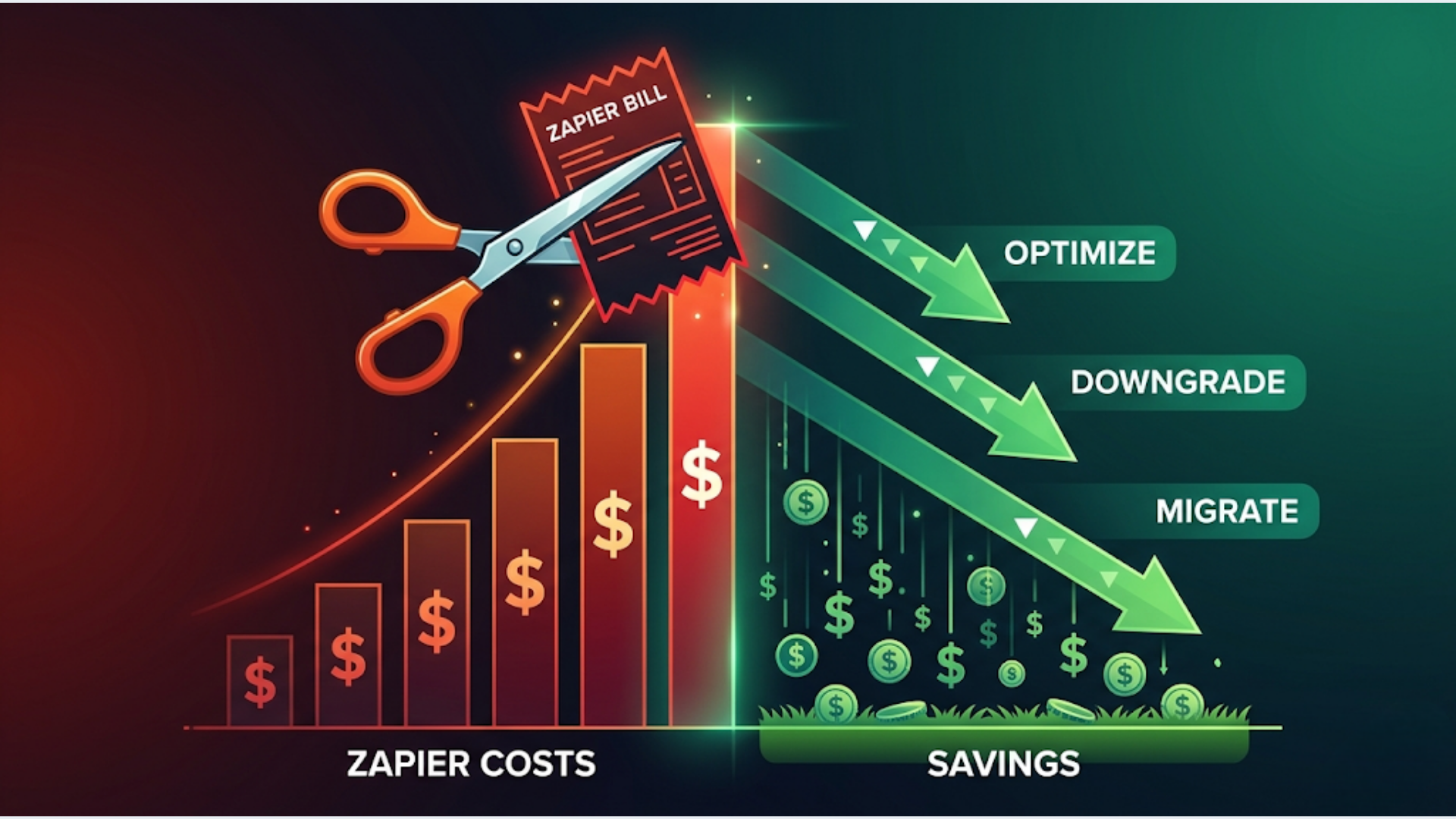
Three strategies, used together, cut most Zapier bills by 40 to 70%: optimize your task consumption within Zapier, audit your plan and downgrade where possible, and migrate your highest-volume Zaps to self-hosted n8n. A team spending $300/month on Zapier can typically get to $80 to $100/month without losing any functionality.
Teams running 100+ Zaps with bloated bills almost always have the same problems. The ones with bloated bills almost always have the same problems: polling triggers burning tasks, redundant Zaps doing duplicate work, and premium app connections they stopped using months ago. Let me walk through exactly how to fix each one.
Strategy 1: Task Optimization (Save 20-40%)
Your Zapier bill is driven by tasks, not Zaps. Every time a Zap runs a step, that’s a task. A 5-step Zap that runs 100 times per month consumes 500 tasks. Cut the steps or the runs and you cut the bill.
Filter Early, Filter Hard
Put a Filter step as close to the trigger as possible. Every step after the trigger consumes a task, even if the Zap eventually decides the data isn’t relevant.
Bad: Trigger > Format Data > Lookup > Filter > Create Record (5 tasks per run, filter kills 60% of runs at step 4)
Good: Trigger > Filter > Format Data > Lookup > Create Record (2 tasks for filtered runs, 5 tasks only for qualifying data)
That one change, on a Zap that runs 500 times a month with a 60% filter rate, saves 900 tasks per month. At scale, this is the single biggest cost lever.
Replace Polling Triggers with Webhooks
Polling triggers check for new data every 1 to 15 minutes regardless of whether anything changed. Each poll that finds data is a task.
Webhook triggers only fire when data actually arrives. Zero polling, zero wasted tasks.
Most modern apps support webhooks: Stripe, Shopify, HubSpot, Typeform, Calendly, and hundreds more. If your Zap uses a “New Record” polling trigger and the app offers webhooks, switch. You’ll eliminate every empty poll task.
Combine Steps with Code
Zapier’s Code by Zapier (JavaScript or Python) step can replace 2 to 3 Formatter steps in a single task. If you have a Zap that does: Format Date > Format Number > Text Manipulation, consolidate those into one Code step.
Before: 3 Formatter steps = 3 tasks per run. After: 1 Code step = 1 task per run.
Savings: 66% task reduction on those steps. Multiply across Zaps and it adds up fast.
Use Paths Instead of Duplicate Zaps
Teams often create separate Zaps for different scenarios: one Zap for new customers, another for returning customers, another for VIP customers. Each runs its own trigger, burning separate task counts.
Paths let you handle all scenarios in a single Zap with a single trigger. One trigger task, multiple conditional branches. I’ve seen teams consolidate 4 to 5 Zaps into 1 using Paths, cutting trigger tasks by 80%.
Strategy 2: Plan Audit (Save 10-20%)
Zapier’s pricing tiers are based on tasks per month and premium app access. Many teams are on a higher tier than they need.
Identify Which Premium Apps You Actually Use
Go to your Zaps list and filter by premium apps. Zapier marks premium apps with a yellow diamond.
Now check: how many of those premium apps are in Zaps that actually run regularly? I’ve seen teams paying for the Team plan ($299/month) because they have one Zap using a premium app that runs twice a month. That single premium Zap costs them an extra $200/month over the Professional plan.
Options:
- Move that premium Zap to n8n (where there’s no premium app concept)
- Replace the premium app with a webhook-based alternative
- Check if a lower Zapier tier includes that specific premium app
Right-Size Your Task Allocation
Zapier doesn’t prorate unused tasks. If you’re on the 2,000 tasks/month plan but consistently use 800, you’re overpaying.
Check your task usage history: Settings > Billing > Usage. Look at the last 3 months. If you’re consistently using less than 70% of your task allocation, downgrade one tier.
The Professional plan at $49/month includes 750 tasks. The Team plan at $299/month includes 2,000 tasks. The gap between those tiers is massive. Many teams sit on Team because they hit 750 once during a busy month, even though they average 600.
Cancel Unused Premium Connections
Zapier charges for connected premium accounts even if no Zap actively uses them. Go to Settings > Connections and remove any premium app connections you’re no longer using. Some plans charge per premium connection on top of the base price.
Strategy 3: Selective n8n Migration (Save 30-50%)
You don’t have to leave Zapier entirely. The smart move is identifying your highest-volume Zaps and migrating just those to self-hosted n8n. Keep simple, low-volume Zaps on Zapier.
Identify Your Top 5 Task-Consuming Zaps
Go to your Zap history and sort by task count over the last 30 days. In most accounts, 5 to 10 Zaps consume 60 to 80% of total tasks.
These are your migration candidates. They’re the Zaps burning through your task allocation and driving your bill up.
Common high-volume Zaps: CRM sync workflows, form submission processors, Slack notification pipelines, inventory sync, social media schedulers. Each of these might run hundreds of times per day.
Rebuild Those Top Zaps in n8n
n8n self-hosted has no task limits. No per-execution fees. Run 10,000 workflows per day and the cost is the same: your server hosting bill.
For a $12 to $15/month VPS (DigitalOcean, Hetzner, or any cloud provider), you get unlimited executions. A Zap consuming 5,000 tasks/month on Zapier ($149+ plan territory) costs $0 additional on n8n.
The rebuild process: document the Zap’s trigger, steps, and logic. Create the equivalent workflow in n8n. Test with real data. Run both in parallel for a week. Then disable the Zapier version.
Most 3 to 5 step Zaps rebuild in n8n in under an hour once you’re familiar with the interface.
Keep Simple Zaps on Zapier
Not everything needs to move. Simple 2-step Zaps (webhook > create record) that run 10 times a month aren’t worth migrating. Keep them on Zapier. The effort to migrate isn’t justified by the minimal task savings.
The goal is a hybrid setup: Zapier for simple, low-volume automations. n8n for complex, high-volume workflows. This gives you the best of both: Zapier’s ease of use where it matters, and n8n’s cost efficiency where volume drives the bill.
Cost Savings: Before and After
Three real scenarios from client engagements. Names changed, numbers real.
Scenario 1: Small Team (10 Zaps, 2,000 tasks/month)
| Before | After | |
|---|---|---|
| Zapier plan | Professional ($49/mo) | Professional ($49/mo) |
| Strategy applied | None | Task optimization (filters, webhooks) |
| Tasks consumed | 2,000 | 900 |
| Could downgrade to | N/A | Starter ($19.99/mo) |
| Monthly savings | ~$29/mo | |
| Annual savings | ~$348/year |
Scenario 2: Growing Team (30 Zaps, 8,000 tasks/month)
| Before | After | |
|---|---|---|
| Zapier plan | Team ($299/mo) | Professional ($49/mo) + n8n VPS ($15/mo) |
| Strategy applied | None | Migrated top 8 Zaps to n8n + task optimization |
| Tasks consumed on Zapier | 8,000 | 600 |
| Monthly cost | $299 | $64 |
| Monthly savings | ~$235/mo | |
| Annual savings | ~$2,820/year |
Scenario 3: Heavy User (80+ Zaps, 40,000+ tasks/month)
| Before | After | |
|---|---|---|
| Zapier plan | Company ($599/mo) | Professional ($49/mo) + n8n VPS ($25/mo) |
| Strategy applied | None | Migrated top 15 Zaps to n8n + task optimization + plan downgrade |
| Tasks consumed on Zapier | 40,000+ | 500 |
| Monthly cost | $599 | $74 |
| Monthly savings | ~$525/mo | |
| Annual savings | ~$6,300/year |
Scenario 3 is a 87% cost reduction. That’s not theoretical. That’s a client from Q1 this year.
India: n8n Self-Hosted vs Zapier Pricing
For Indian teams, the math tilts even harder toward n8n.
Zapier in India: Billed in USD. No INR pricing. A Team plan at $299/month is approximately ₹25,000/month or ₹3,00,000/year. For an Indian startup or small agency, that’s a significant line item.
n8n self-hosted on DigitalOcean Bangalore: DigitalOcean’s Bangalore data center offers droplets starting at $6/month (₹500/month). A production-ready n8n instance (2GB RAM, 2 vCPU) runs at $12/month (₹1,000/month). A more robust setup (4GB RAM) at $24/month (~₹2,000/month).
| Setup | Monthly Cost (INR) | Annual Cost (INR) | Task Limit |
|---|---|---|---|
| Zapier Professional | ~₹4,200 | ~₹50,400 | 750 tasks |
| Zapier Team | ~₹25,000 | ~₹3,00,000 | 2,000 tasks |
| Zapier Company | ~₹50,000 | ~₹6,00,000 | 50,000 tasks |
| n8n on DO Bangalore (2GB) | ~₹1,000 | ~₹12,000 | Unlimited |
| n8n on DO Bangalore (4GB) | ~₹2,000 | ~₹24,000 | Unlimited |
| n8n Cloud Starter | ~₹2,000 | ~₹24,000 | 2,500 executions |
An Indian agency running 30+ automations saves ₹2,76,000 to ₹5,76,000 per year by migrating high-volume Zaps to n8n self-hosted in Bangalore. The data stays in India, latency is lower, and there’s no USD billing volatility.
n8n runs well on DigitalOcean Bangalore, Hetzner, and even Oracle Cloud’s always-free tier. If you’re comfortable with basic server management (or want someone to handle it), the ROI is immediate.
Need help with the migration or n8n setup? That’s what triggerAll does.
FAQ
Q1: Is n8n really free? A: n8n Community Edition is free and open source. You host it on your own server, so you pay for the server ($6 to $25/month depending on resources). n8n Cloud is a paid hosted option starting at $24/month with execution limits. Self-hosted has no execution limits.
Q2: Can I use Zapier and n8n together? A: Yes, and this is the approach I recommend. Keep simple, low-volume Zaps on Zapier. Run high-volume and complex workflows on n8n. The two systems can even talk to each other via webhooks if needed.
Q3: How many tasks am I actually using on Zapier? A: Go to Settings > Billing > Usage in your Zapier dashboard. It shows daily and monthly task consumption broken down by Zap. Most teams are surprised to find 3 to 5 Zaps consuming 70% of their total tasks.
Q4: Will task optimization break my existing Zaps? A: No, if done correctly. Adding Filter steps early in a Zap doesn’t change what happens to qualifying data. It just prevents non-qualifying data from burning tasks on downstream steps. Always test changes with a few runs before letting them run at full volume.
Q5: How hard is it to learn n8n coming from Zapier? A: The concepts are the same: triggers, actions, conditions, loops. The interface is different. Most Zapier users become productive in n8n within 2 to 3 days. The visual workflow builder is actually more intuitive for complex logic than Zapier’s linear step format.
Krishna is the founder of triggerAll, where he builds cost-optimized automation stacks that replace bloated SaaS subscriptions with systems you actually control.
Need help implementing this?
Book a free 30-minute discovery call. We'll map your current setup, identify quick wins, and outline what automation can do for your business.
Book a Free Discovery Call