Your Lead Scoring Broken? 5 Signs + How to Rebuild It
5 clear signs your CRM lead scoring model is broken and step-by-step instructions to rebuild it in HubSpot, Zoho, or Salesforce. Includes behavioral scoring, decay logic, and AI-based alternatives.
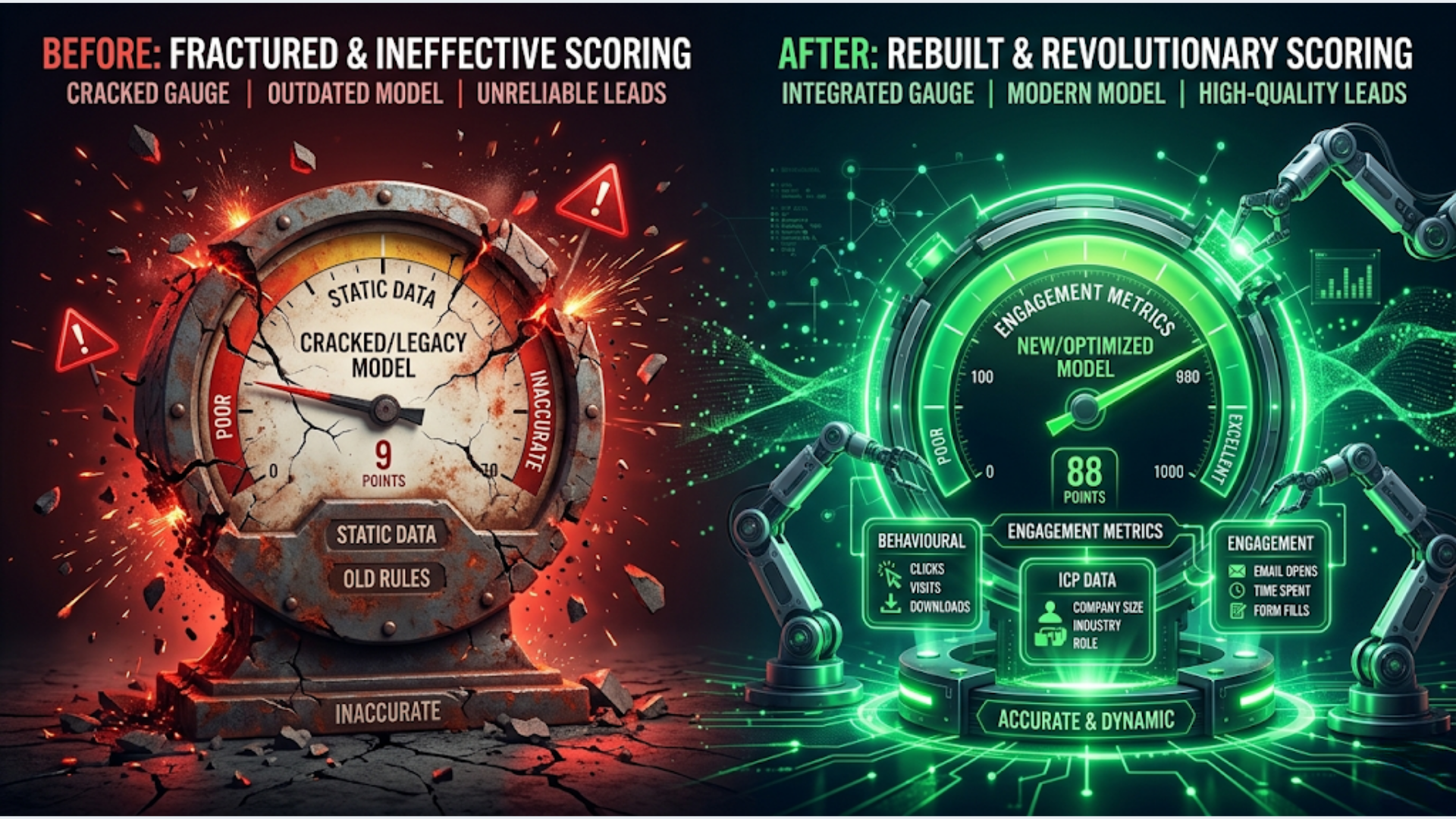
Your Lead Scoring Broken? 5 Signs + How to Rebuild It
If your sales team ignores lead scores, your highest-scored leads don’t convert, or every lead clusters around the same score, your scoring model is broken. Roughly 65% of B2B companies with lead scoring report that their model doesn’t meaningfully improve sales prioritization. The fix isn’t tweaking point values. It’s rebuilding from closed-won data.
I build these systems for clients across CRMs. The pattern is almost always the same: someone set up lead scoring two years ago based on gut feeling, nobody validated it against actual outcomes, and now it’s furniture. Everyone knows it’s there. Nobody uses it.
Here are the five signs your scoring is broken, followed by a complete rebuild playbook.
Sign 1: Sales Ignores the Scores
This is the most obvious signal and the one that matters most. If your sales team doesn’t look at lead scores when deciding who to call first, the scores are functionally useless.
Ask your top three reps: “When you open your CRM in the morning, do you sort by lead score?” If the answer is no (or a polite version of no), your scoring model has lost credibility.
This happens for a predictable reason. Early on, sales followed up on high-scored leads and found they were garbage. Maybe a lead scored 90 because they downloaded three whitepapers but had no budget and no authority. After burning time on a few of these, sales stopped trusting the score entirely. Once trust is lost, it doesn’t come back with minor adjustments. You need a rebuild.
The test: Pull your last 50 closed-won deals. Check their lead scores at the time sales first engaged. If the average score isn’t in your top quartile, the model isn’t identifying good leads.
What it means: Your scoring criteria reflect marketing engagement, not purchase intent. Downloading content and visiting your pricing page should not carry the same weight. One indicates curiosity. The other indicates evaluation.
Sign 2: High-Scored Leads Don’t Convert
You have leads with scores of 80, 90, 100. They entered the pipeline. They didn’t close. If your conversion rate from “marketing qualified” (high score) to “closed won” is below 5-8%, the scoring model is promoting the wrong leads.
| Score Range | Expected Conversion | If Below This, Broken |
|---|---|---|
| 80-100 | 15-25% | Below 8% |
| 60-79 | 8-15% | Below 4% |
| 40-59 | 3-8% | Below 2% |
| Below 40 | 1-3% | Expected |
The root cause is usually over-weighting top-of-funnel signals. Opening emails, visiting blog posts, and attending webinars all feel like engagement. They are engagement. But they’re not buying signals.
Buying signals look different: visiting the pricing page multiple times, viewing the comparison page, requesting a demo, asking about contract terms in a chatbot conversation, or forwarding your proposal to a colleague (detectable via email tracking).
The fix preview: When you rebuild, weight buying signals 3-5x higher than engagement signals. A pricing page visit should be worth more than ten blog visits.
Sign 3: Most Leads Cluster Around the Same Score
Open your CRM. Export lead scores for all active leads. If 60-70% of leads fall within a 20-point range (say, 40-60), your model has no discriminating power. It can’t tell the difference between a tire-kicker and a serious buyer.
This happens when you assign small, similar point values to many criteria. Five points for an email open, five for a page visit, five for a form fill, five for a social click. Everyone does some of these things. Everyone ends up at 30-50 points. Nobody stands out.
The distribution should look like a bell curve skewed left. Most leads should score low (0-30). A smaller group should be in the middle (30-60). A small group at the top (60+). If your distribution is a spike in the middle, the model isn’t differentiating.
The math problem: If you have 15 scoring criteria each worth 5-10 points, and the average lead triggers 5-8 of them, everyone lands between 25 and 80. The range is too compressed. You need exponential weighting: low-value actions worth 1-3 points, medium-value actions worth 5-10 points, and high-intent actions worth 20-40 points. This creates separation.
Sign 4: The Model Hasn’t Been Updated in 6+ Months
Lead scoring models decay. Your market changes. Your product changes. Your ICP shifts. The behaviors that predicted a close last year might not predict a close this year.
A model that was accurate at launch loses 10-15% accuracy per quarter without maintenance. By month 12, it’s essentially random.
Specific triggers that should prompt a model review:
- You launched a new product or pricing tier
- You changed your ICP or moved upmarket/downmarket
- You redesigned your website (page URLs changed, new content structure)
- You added or removed marketing channels
- Your sales cycle length changed significantly
- A competitor entered or exited the market
If none of these have happened and it’s still been 6+ months, review anyway. Buyer behavior shifts gradually. The pages that indicated intent in January might not indicate intent in July. Your scoring model should be reviewed quarterly at minimum, rebuilt annually.
Sign 5: No Behavioral Signals in the Model
If your scoring model only uses demographic and firmographic data (company size, industry, job title, revenue), it’s incomplete. Demographics tell you who the lead is. Behavior tells you what they’re doing. You need both.
A VP of Marketing at a 500-person SaaS company who hasn’t visited your site in 90 days is not a hot lead, regardless of how perfectly they match your ICP. A marketing coordinator at a 50-person company who visited your pricing page three times this week, watched a demo video, and opened your last four emails might be a much better opportunity.
The ideal split:
| Signal Type | Weight Allocation | Examples |
|---|---|---|
| Behavioral (intent) | 50-60% | Pricing page, demo request, proposal view, return visits |
| Engagement | 20-25% | Email opens, content downloads, webinar attendance |
| Demographic/firmographic | 15-25% | Title, company size, industry, location |
| Negative signals | Deduct points | Unsubscribe, competitor email domain, student email, 90-day inactivity |
Most broken models are 80% demographic, 20% engagement, 0% behavioral intent. Flip that ratio and scoring starts working.
How to Rebuild: The 5-Step Process
Stop trying to patch the existing model. Export the current rules for reference, then start fresh.
Step 1: Pull your closed-won data.
Export all closed-won deals from the last 12 months. For each deal, capture: lead source, first touch, every page they visited before becoming an opportunity, every email they engaged with, time from first touch to opportunity creation, deal size, and any demographic data (title, company size, industry).
This is your ground truth. Real deals that actually closed. Not theory about what should predict a close. Actual data.
Step 2: Find the patterns.
Look for behaviors that show up disproportionately in closed-won deals compared to all leads.
Example findings (these will vary by your business):
- 73% of closed-won leads visited the pricing page at least twice
- 61% viewed a case study in their industry
- 58% opened 3+ emails in a 14-day window
- 45% had the title “Director” or above
- Only 12% of closed-won leads came from paid social (vs 40% of all leads)
These patterns become your scoring criteria. You’re not guessing what matters. The data tells you.
Step 3: Assign weights based on correlation strength.
Criteria that appear in 60%+ of closed-won deals get the highest weights. Criteria that appear in 30-50% get medium weights. Below 30%, low weights or exclude.
| Criterion | Frequency in Closed-Won | Points |
|---|---|---|
| Pricing page (2+ visits) | 73% | 30 |
| Industry case study view | 61% | 20 |
| 3+ emails opened in 14 days | 58% | 15 |
| Director+ title | 45% | 10 |
| Webinar attendance | 28% | 5 |
| Blog visit | 15% | 2 |
Step 4: Add negative scoring and decay.
Points should decay over time. A pricing page visit from 90 days ago is not the same signal as one from yesterday. Implement score decay:
- Actions older than 30 days: reduce points by 25%
- Actions older than 60 days: reduce points by 50%
- Actions older than 90 days: reduce points by 75% or remove entirely
Add negative scores for disqualifying signals:
- Competitor email domain: -50 points
- Student/edu email: -30 points
- Unsubscribed from emails: -20 points
- No activity in 60+ days: -15 points
- Job title contains “intern” or “student”: -20 points
Step 5: Implement in your CRM.
HubSpot: Go to Settings > Properties > HubSpot Score. Delete all existing criteria. Add your new criteria with the weights from Step 3. HubSpot supports both positive and negative scoring. For decay, use a workflow that reduces the score property by X% every 30 days if no new activity occurs.
Zoho CRM: Use Scoring Rules under Setup > Automation. Zoho supports both profile scoring (demographic) and engagement scoring (behavioral) as separate scores. Use both. Create a custom field for the combined weighted score if the built-in scoring doesn’t support your weighting scheme.
Salesforce: Use Einstein Lead Scoring if you’re on Enterprise+ tier (it’s ML-based and uses your closed-won data automatically). For manual scoring, use Process Builder or Flow to calculate scores based on field values and activities. Salesforce doesn’t have native scoring for lower tiers, so you’ll either use a calculated field with formula logic or an external tool like n8n to compute and sync scores.
India-Specific Considerations
For Indian B2B companies and SaaS businesses, lead scoring has unique challenges.
WhatsApp engagement as a scoring signal: In India, a lot of pre-sales communication happens on WhatsApp, not email. If you use WATI or WhatsApp Business API, track message opens, responses, and link clicks as scoring signals. A lead who responds to WhatsApp messages within an hour is showing stronger intent than one who just opens emails. Most CRMs don’t natively track WhatsApp engagement, so use n8n to push WhatsApp interaction data into CRM custom fields and include those in your scoring model.
JustDial, IndiaMART, and marketplace leads: Indian B2B companies get a significant volume of leads from marketplace platforms. These leads are typically lower quality than organic or referral leads. Score them accordingly. A JustDial lead with no website visit after 7 days should decay faster than an organic lead. Add source-based scoring: organic search (+15), referral (+20), JustDial (+5), IndiaMART (+5), paid social (+3).
Regional and language considerations: Indian businesses serving multiple states deal with leads in different languages and buying patterns. A lead from a Tier 1 city (Mumbai, Bangalore, Delhi) with a large company size might warrant different scoring than a Tier 2/3 city lead. This isn’t about discrimination. It’s about deal velocity. If your data shows Tier 1 leads close in 30 days and Tier 2 leads close in 60 days, the scoring model should reflect that different timeline, not different value.
Festival season adjustments: Diwali and financial year-end (March) are peak buying seasons for Indian B2B. Leads showing activity during these windows are more likely to convert quickly. Consider a temporary scoring boost (+10-15 points) for leads engaging during known buying seasons. Remove the boost when the season passes.
FAQ
How do I know if my lead scoring model is actually working? Track one metric: the conversion rate of high-scored leads (top 20%) compared to all leads. If high-scored leads convert at 2-3x the rate of average leads, the model is working. If there’s no significant difference, the model isn’t discriminating. Pull this data monthly for the first quarter after rebuilding, then quarterly.
How often should I rebuild my lead scoring model? Do a full rebuild annually. Do a review and tune quarterly. If you’ve made major changes (new product, new ICP, website redesign, new marketing channels), rebuild immediately regardless of the schedule. Models decay 10-15% per quarter without maintenance.
Should I use AI-based lead scoring instead of manual rules? If your CRM supports it (Salesforce Einstein, HubSpot Predictive Lead Scoring on Enterprise), use it as a complement to manual scoring, not a replacement. AI scoring finds patterns you might miss, but it’s a black box. Manual scoring lets you apply business logic (like “we don’t sell to companies under 50 employees”). Use both scores side by side and compare results for the first quarter.
What’s the right number of scoring criteria? Keep it between 10 and 20 total criteria (positive and negative combined). Fewer than 10 and the model lacks nuance. More than 20 and it becomes impossible to maintain and debug. Each criterion should be clearly measurable and directly linked to your closed-won data patterns.
How do I handle lead scoring across multiple products or segments? Create separate scoring models for each product or segment. A lead that’s perfect for your enterprise product might be a terrible fit for your SMB product. In HubSpot, you can create multiple score properties. In Salesforce, use multiple formula fields or Einstein models scoped to record types. In Zoho, use separate scoring rules per module or layout.
What if I don’t have enough closed-won data to find patterns? You need at least 50 closed-won deals (ideally 100+) to find reliable patterns. If you have fewer, use a simpler scoring model based on buying signals (pricing page visits, demo requests, proposal opens) with equal weights. Run it for 6 months while accumulating data, then rebuild with data-driven weights. Don’t let “not enough data” stop you from having any scoring at all.
Need help implementing this?
Book a free 30-minute discovery call. We'll map your current setup, identify quick wins, and outline what automation can do for your business.
Book a Free Discovery Call