Cost of Automating a CRM: HubSpot, Zoho, Salesforce Benchmarks
CRM automation costs $200-2,000/month depending on the platform. Real 2026 benchmarks for HubSpot, Zoho, and Salesforce including setup and ongoing costs.
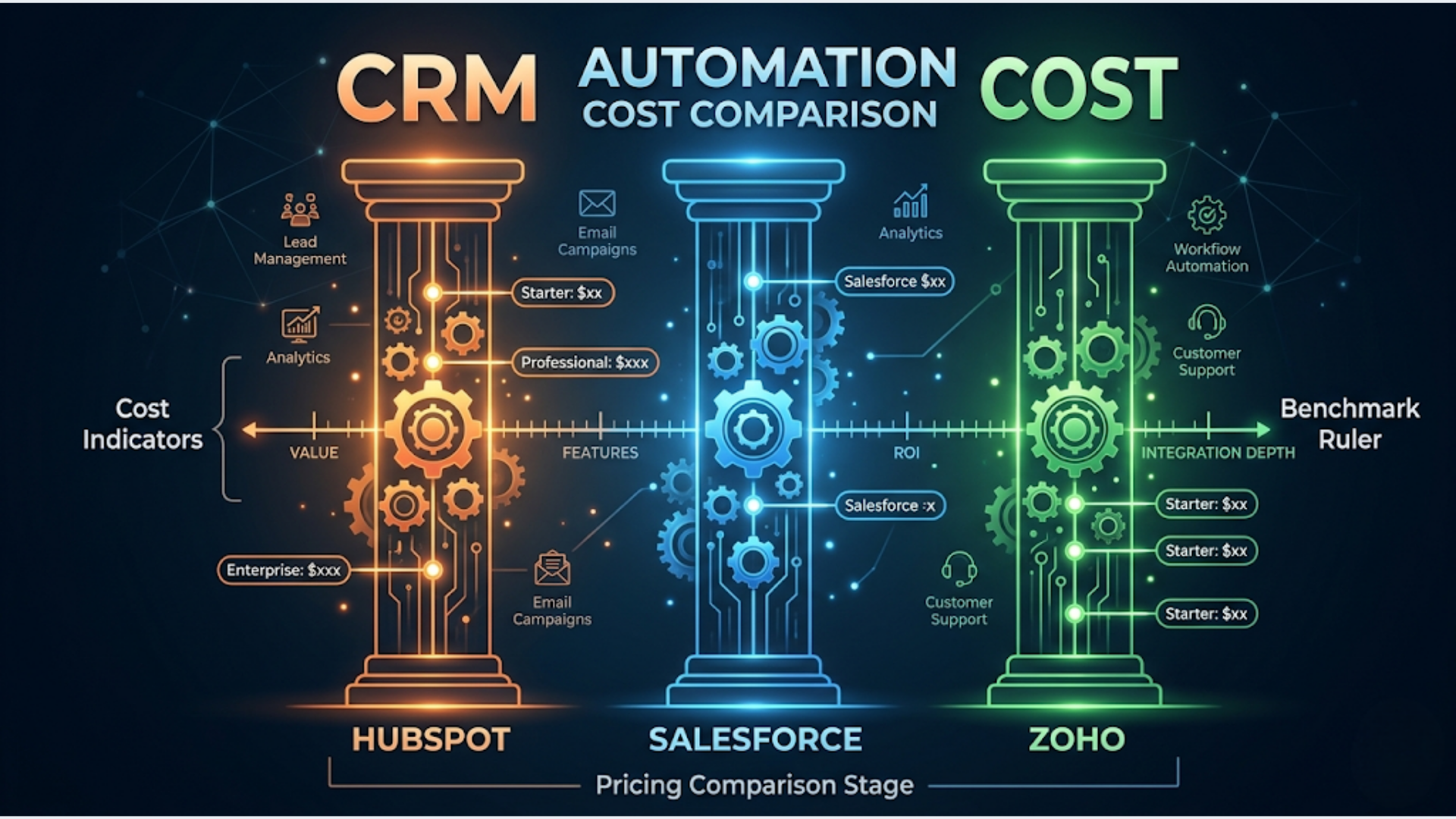
Cost of Automating a CRM: HubSpot, Zoho, Salesforce Benchmarks
CRM automation costs $200-2,000/month for the platform subscription alone. Add $2,000-15,000 for initial implementation and $500-3,000/month for ongoing maintenance and optimization. The real number depends on which platform you choose, how many users you have, and how much automation you actually need.
CRM automation costs vary wildly across HubSpot, Zoho, and Salesforce, whether you’re a 5-person startup or a 200-person operation. The common mistake: choosing a platform based on the subscription price and ignoring the implementation cost. A CRM that costs $50/month but requires $10,000 in setup is more expensive in year one than one that costs $150/month and works out of the box.
Here’s what each platform actually costs when you factor everything in.
The Real Cost by Platform
These are 2026 benchmarks based on actual client implementations, not marketing page pricing.
HubSpot
| Component | Starter | Professional | Enterprise |
|---|---|---|---|
| Subscription | $20/user/mo | $100/user/mo | $150/user/mo |
| Automation Features | Basic (limited workflows) | Full (300 workflows) | Advanced (1,000 workflows, custom objects) |
| Onboarding Fee | $0 | $3,000 (mandatory) | $6,000 (mandatory) |
| Implementation | $0-2,000 | $3,000-10,000 | $10,000-25,000 |
| 10-User Annual | $2,400-4,400 | $15,000-22,000 | $24,000-43,000 |
HubSpot’s free tier is excellent for basic CRM. But automation starts at the Professional tier, which jumps to $100/user/month. That mandatory onboarding fee catches people off guard. You’re paying $3,000 before you’ve configured a single workflow.
The Professional tier’s 300 workflow limit sounds generous until you realize every automated email sequence, lead scoring rule, and task assignment is a separate workflow. Mid-size sales teams burn through that limit within 6-12 months.
Zoho CRM
| Component | Standard | Professional | Enterprise | Ultimate |
|---|---|---|---|---|
| Subscription | $14/user/mo | $23/user/mo | $40/user/mo | $52/user/mo |
| Automation Features | Basic workflows | Blueprints, webhooks | Custom functions, multi-department | Advanced BI, AI predictions |
| Onboarding Fee | $0 | $0 | $0 | $0 |
| Implementation | $0-1,000 | $1,000-4,000 | $3,000-8,000 | $5,000-12,000 |
| 10-User Annual | $1,680-2,680 | $3,760-6,760 | $7,800-12,800 | $11,240-17,240 |
Zoho is the value play. No mandatory onboarding fees. Significantly cheaper per-user pricing. The automation capabilities at the Enterprise tier rival HubSpot Professional at less than half the per-user cost.
The trade-off: Zoho’s interface is less polished, the learning curve is steeper, and the ecosystem of third-party integrations is smaller. You’ll likely need a developer or consultant to configure advanced automation, while HubSpot’s UI is more self-service.
For businesses already in the Zoho ecosystem (Zoho Books, Zoho Desk, Zoho Campaigns), the integration is seamless and the value compounds. For businesses starting from scratch, the setup requires more technical effort.
Salesforce
| Component | Essentials | Professional | Enterprise | Unlimited |
|---|---|---|---|---|
| Subscription | $25/user/mo | $80/user/mo | $165/user/mo | $330/user/mo |
| Automation Features | Basic | Process Builder | Flow Builder, Apex | Everything + AI (Einstein) |
| Onboarding Fee | $0 | $0 | $0 | $0 |
| Implementation | $2,000-5,000 | $5,000-15,000 | $15,000-40,000 | $25,000-75,000+ |
| 10-User Annual | $5,000-8,000 | $14,600-24,600 | $34,800-59,800 | $64,600-114,600 |
Salesforce is the enterprise choice. The subscription isn’t the expensive part. Implementation is. Even a basic Salesforce setup typically requires a certified Salesforce consultant ($100-200/hr) because the platform’s flexibility makes it nearly impossible to configure well without expertise.
The automation capabilities at Enterprise and Unlimited tiers are unmatched. Flow Builder, Apex triggers, Einstein AI. But you’re paying enterprise prices for enterprise features. A 10-person startup doesn’t need Salesforce. A 100-person sales organization with complex pipeline stages probably does.
Platform Comparison: Total Cost of Ownership
This table shows Year 1 total cost for a 10-user sales team with moderate automation needs.
| Factor | HubSpot Professional | Zoho Enterprise | Salesforce Enterprise |
|---|---|---|---|
| Year 1 Subscription | $12,000 | $4,800 | $19,800 |
| Mandatory Fees | $3,000 | $0 | $0 |
| Implementation | $5,000-8,000 | $3,000-6,000 | $15,000-30,000 |
| Training | $1,000-2,000 | $1,500-3,000 | $3,000-5,000 |
| Year 1 Total | $21,000-25,000 | $9,300-13,800 | $37,800-54,800 |
| Year 2+ Annual | $12,000-14,000 | $4,800-7,000 | $19,800-25,000 |
| Best For | Marketing-heavy teams | Cost-conscious, Zoho ecosystem | Enterprise sales, complex pipelines |
Zoho wins on cost by a wide margin. HubSpot wins on user experience and marketing integration. Salesforce wins on scalability and customization. None of them is universally “best.”
Hidden Costs Most Businesses Miss
The sticker price is the beginning, not the end.
Data migration ($1,000-5,000). Moving from spreadsheets, another CRM, or (worst case) multiple disconnected systems. Data migration includes cleaning, deduplication, format standardization, and validation. Cheap migration means dirty data in your new CRM, which undermines every automation you build on top of it.
Custom integrations ($2,000-10,000). Your CRM doesn’t exist in isolation. It connects to your email platform, billing system, support desk, marketing tools, and internal databases. Native integrations handle 60-70% of these connections. The rest require custom development through Zapier, n8n, or direct API integration. Budget for this.
Training ($1,000-5,000). A CRM that your team doesn’t use is worthless regardless of its automation capabilities. Budget for initial training (group sessions, documentation, recorded walkthroughs) and ongoing training for new hires. The most expensive CRM implementation I’ve seen fail was a $40,000 Salesforce setup where nobody trained the sales team to actually use it.
Data cleanup and maintenance ($500-2,000/year). CRM data degrades over time. Duplicate records, outdated contacts, incomplete fields, inconsistent formatting. Quarterly cleanup is necessary to keep automation running correctly. A lead scoring workflow that relies on industry fields is useless if 40% of records have that field blank.
Integration maintenance ($500-3,000/year). APIs change. Third-party tools update. Authentication tokens expire. Every integration is a potential breaking point. Budget for someone to monitor and fix integrations when they break, because they will.
What Automation Actually Saves: ROI Example
Here’s a real scenario from a client engagement.
Setup: 10-person sales team, HubSpot Professional, manual lead management process.
Before automation:
- Lead data entry: 45 min/day per rep (4.5 hrs/day total)
- Lead assignment: 30 min/day for sales manager
- Follow-up scheduling: 20 min/day per rep (2 hrs/day total)
- Report generation: 3 hrs/week for manager
- Total manual time: ~40 hrs/week across the team
After automation:
- Lead capture to CRM: automatic (0 min)
- Lead scoring and assignment: automatic (0 min)
- Follow-up sequence triggers: automatic (0 min)
- Dashboard reports: automatic (0 min)
- Remaining manual work: 10 hrs/week (complex leads, edge cases, relationship tasks)
Time saved: 30 hrs/week = 1,560 hrs/year
Value calculation: At an average loaded cost of $35/hr per sales rep, that’s $54,600/year in recovered time. The reps aren’t just saving time. They’re spending that time on actual selling, which compounds into revenue.
CRM automation cost (Year 1): $21,000-25,000 for HubSpot Professional with implementation.
ROI: 2.2-2.6x in Year 1. Year 2+ ROI exceeds 4x because the implementation cost doesn’t recur.
Automation doesn’t just save time. It removes human error from repetitive processes. No more lost leads because someone forgot to enter them. No more inconsistent follow-up timing. No more reports that are already stale by the time they’re compiled.
India Pricing Advantage
Indian businesses have a significant cost advantage on CRM automation, especially with Zoho.
Zoho CRM pricing in INR (billed annually):
| Plan | Monthly Per User (INR) | 10-User Annual (INR) |
|---|---|---|
| Standard | Rs 800/user | Rs 96,000 |
| Professional | Rs 1,400/user | Rs 1,68,000 |
| Enterprise | Rs 2,400/user | Rs 2,88,000 |
| Ultimate | Rs 2,600/user | Rs 3,12,000 |
Zoho’s INR pricing is significantly cheaper than its USD pricing (roughly 30-40% less when converted). As an Indian company based in Chennai, Zoho prices aggressively for the domestic market. This makes Zoho the obvious choice for Indian SMBs on cost alone.
Implementation costs in India run 40-60% less than US rates. An automation consultant charges Rs 3,000-8,000/hr versus $75-200/hr in the US. For a full CRM automation implementation, expect Rs 1,50,000-5,00,000 compared to $5,000-15,000 internationally.
Indian ecosystem advantage. Zoho integrates natively with Indian payment gateways (Razorpay, PayU), GST invoicing systems, WhatsApp Business via WATI, and Indian banking APIs. These integrations that would require custom development in HubSpot or Salesforce come pre-built in Zoho for the Indian market.
For Indian businesses, the combination of Zoho’s INR pricing, lower implementation costs from local consultants, and native Indian integrations makes the total cost of CRM automation 50-70% less than the equivalent setup on HubSpot or Salesforce. That’s not a rounding error. It’s a strategic advantage.
If you’re an Indian business evaluating CRM automation, start with Zoho and a local automation partner who understands the Indian business stack. Scale to HubSpot or Salesforce only if you outgrow Zoho’s capabilities, which most Indian SMBs won’t for years.
Build vs Buy: Native Automation vs n8n/Zapier on Top
Every CRM has built-in automation. The question is whether it’s enough.
Use native CRM automation when:
- Your workflows stay within the CRM (lead scoring, email sequences, task assignment).
- The built-in automation covers your logic requirements.
- You want minimal moving parts and easy maintenance.
- Your team can self-manage without a developer.
Add n8n or Zapier on top when:
- You need to connect the CRM to external systems (custom databases, ERP, proprietary tools).
- Native automation can’t handle your logic complexity (multi-step conditionals, loops, parallel processing).
- You need real-time sync between CRM and other platforms.
- The CRM’s native automation limits are restrictive (HubSpot’s workflow caps, Zoho’s API call limits).
The hybrid approach is most common for growing businesses. Native automation handles 70-80% of CRM workflows. n8n or Zapier handles the remaining 20-30% that require cross-system orchestration. This keeps your CRM clean and pushes complexity to the automation layer where it’s easier to debug and modify.
One warning: don’t over-automate. I’ve seen CRM implementations with 50+ workflows where nobody remembers what half of them do. Start with 5-10 high-impact automations. Run them for a month. Add more only when you’ve validated the existing ones work reliably.
FAQ
Which CRM is cheapest to automate? Zoho, by a significant margin. Lower per-user pricing, no mandatory onboarding fees, and the cheapest implementation costs. For a 10-user team with moderate automation needs, Zoho’s Year 1 cost is roughly half of HubSpot and one-third of Salesforce. The trade-off is a steeper learning curve and less polished interface.
Can I automate my CRM without a consultant? For basic automation (lead notifications, simple email sequences, task reminders), yes. Most CRM platforms provide templates and drag-and-drop builders. Once you need custom fields, conditional logic, multi-step sequences, or external integrations, the complexity increases fast. A consultant saves weeks of trial-and-error for $2,000-5,000.
How long does CRM automation implementation take? Basic setup (core fields, simple workflows, team training): 2-4 weeks. Moderate implementation (custom objects, multi-step automation, 3-5 integrations): 4-8 weeks. Enterprise implementation (complex pipelines, custom reporting, 10+ integrations): 8-16 weeks. These timelines assume a dedicated consultant and responsive internal stakeholders.
Is HubSpot’s free CRM good enough for small businesses? For contact management and basic pipeline tracking, HubSpot Free is excellent. For automation, no. Workflow automation requires the Professional tier at $100/user/month. If you need automation on a budget, Zoho Standard at $14/user/month gives you more automation capability than HubSpot Free with less than the jump to HubSpot Professional.
What’s the ROI timeline for CRM automation? Most businesses see positive ROI within 3-6 months of go-live. The first month is adoption (team learning the system). Months 2-3 show time savings as manual processes are eliminated. Months 4-6 show revenue impact as lead response times decrease and follow-up consistency improves. Full ROI (recovering implementation cost) typically occurs within 6-12 months.
Should I migrate CRMs to get better automation? Only if your current CRM’s automation limitations are costing you measurable revenue or time. CRM migration is expensive ($5,000-20,000), risky (data loss, integration breaks), and disruptive (team retraining). Often, adding an automation layer like n8n on top of your existing CRM achieves the same result at 20% of the cost and none of the disruption.
Need help implementing this?
Book a free 30-minute discovery call. We'll map your current setup, identify quick wins, and outline what automation can do for your business.
Book a Free Discovery Call