Best CRM for Insurance Agents (2026)
Best CRM for insurance agents in 2026. Comparison of Zoho CRM, HubSpot, Salesforce, AgencyBloc, and Applied Epic for policy tracking, renewal reminders, claims management, and commission tracking. India IRDAI compliance covered.
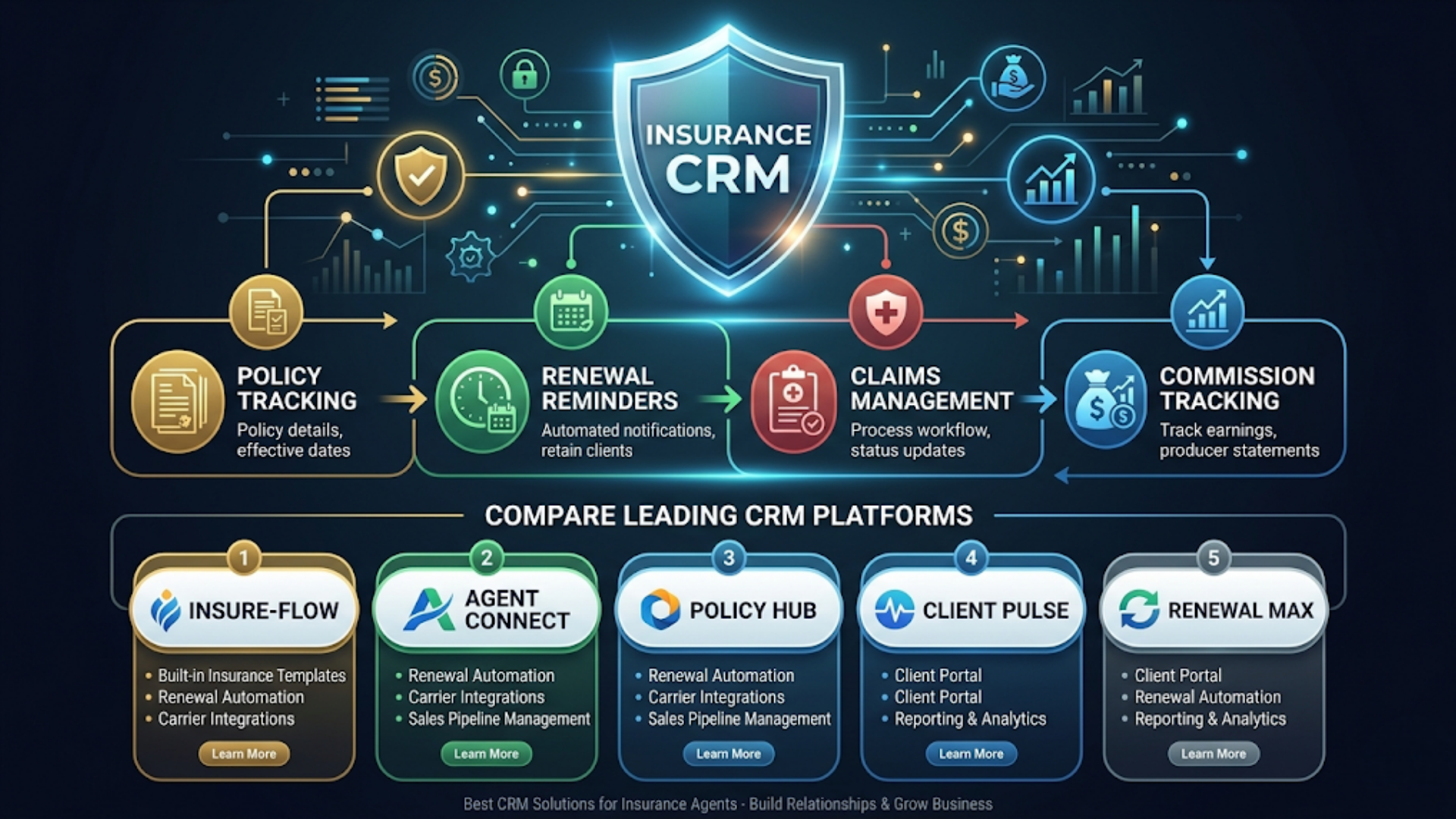
Best CRM for Insurance Agents (2026)
The best CRM for insurance agents in 2026 depends on your size, budget, and market. For independent agents and small agencies in India, Zoho CRM with custom modules wins on price and flexibility (starting at Rs 800/user/month). For mid-size agencies in the US, AgencyBloc is purpose-built for insurance at $75/user/month. For large agencies needing carrier integrations, Applied Epic is the industry standard at $150+/user/month.
Most general-purpose CRMs fail insurance agents because they don’t understand the core objects: policies, not just contacts. An insurance agent’s CRM needs to track policies with start dates, end dates, premium amounts, carrier details, and coverage types. It needs to trigger renewal reminders 60 and 30 days before expiry. It needs to log claims and link them to policies. And it needs to calculate commissions across multiple carriers and policy types.
I build these systems. The gap between what insurance agents need and what generic CRMs offer is exactly where customization and automation fill in.
Here’s the complete comparison.
What Insurance Agents Actually Need from a CRM
Before comparing tools, here’s what matters. Every feature on this list is non-negotiable for an insurance CRM.
Core requirements:
| Feature | Why It Matters |
|---|---|
| Policy tracking | Central record of every policy: type, carrier, premium, dates, coverage |
| Renewal reminders | Automated alerts 90, 60, and 30 days before policy expiry |
| Claims management | Log claims, track status, link to policy and customer |
| Commission tracking | Calculate and track commissions by carrier, policy type, and period |
| Customer 360 view | See all policies, claims, payments, and communications for one client |
| Document storage | Policy documents, claim forms, ID proofs attached to records |
| Multi-carrier support | Handle policies across multiple insurance carriers |
| Compliance tracking | Regulatory requirements (licensing, disclosures, IRDAI in India) |
| Pipeline management | Track leads through quote, proposal, application, and issuance stages |
| Reporting | Premium volume, renewal rates, commission summaries, pipeline health |
Nice to have:
- Mobile app for field agents
- WhatsApp integration for customer communication
- Bulk renewal processing
- Referral tracking
- Family/household grouping (one household, multiple policies)
The Comparison: 5 CRMs Head to Head
Zoho CRM
Best for: Independent agents and small agencies, especially in India.
Starting price: Rs 800/user/month (Standard) or $14/user/month. Professional at Rs 1,400/user/month.
Strengths:
- Highly customizable. Add custom modules for Policies, Claims, and Commissions without code
- INR pricing and UPI billing for Indian businesses
- Native WhatsApp integration through Zoho’s partnership with Meta
- Blueprint feature automates multi-step processes (perfect for policy issuance workflows)
- Zoho One bundle ($45/user/month) includes CRM, email, accounting, and 40+ other apps
- Strong API for integration with n8n and other automation tools
Weaknesses:
- No insurance-specific features out of the box. You’re building from a blank canvas
- Custom module setup takes 10 to 15 hours initially
- Mobile app is functional but not polished compared to HubSpot
- Reporting requires some effort to configure for insurance metrics
Insurance-specific setup required:
- Create a “Policies” custom module (fields: policy number, carrier, type, premium, start date, end date, coverage amount, status)
- Create a “Claims” custom module (fields: claim number, policy link, date filed, amount, status, adjuster)
- Create a “Commissions” custom module (fields: policy link, carrier, percentage, amount, payment date, status)
- Build workflow rules for renewal reminders
- Build dashboard with insurance-specific metrics
Time to set up: 15 to 25 hours for a complete insurance configuration.
India advantage: Zoho is headquartered in Chennai. Indian support team, INR pricing with no currency conversion, GST-compliant invoicing, and data centers in India (important for IRDAI data residency preferences).
HubSpot CRM
Best for: Insurance agents who prioritize marketing and lead generation alongside policy management.
Starting price: Free CRM (limited). Sales Hub Starter at $15/user/month. Professional at $90/user/month.
Strengths:
- Free tier is genuinely useful for solo agents (up to 1,000 contacts, basic pipeline)
- Best-in-class email marketing and lead nurturing (great for cross-selling campaigns)
- Beautiful, intuitive interface. Minimal training needed
- App marketplace has a few insurance-specific integrations
- Excellent mobile app
- Strong reporting and dashboards
Weaknesses:
- Custom objects require Professional tier ($90/user/month). You need custom objects for policies and claims
- Gets expensive fast. A 5-person agency on Professional: $450/month
- No native WhatsApp integration on lower tiers
- Commission tracking requires a custom object or external tool
- Not designed for insurance. Requires significant customization at the Professional level
Insurance-specific setup required:
Same as Zoho: custom objects for Policies, Claims, Commissions. But on HubSpot, you can only create custom objects on Professional ($90/user/month) or Enterprise ($150/user/month). That’s a hard paywall.
Workaround for Starter tier: Use custom deal properties to track policy details within the deal object. It works for agents with simple needs (one policy per deal) but breaks down with multiple policies per client.
Time to set up: 10 to 20 hours on Professional tier. On Starter/Free, expect creative workarounds.
Salesforce
Best for: Large agencies (20+ agents) or agencies that need carrier integrations and enterprise compliance.
Starting price: $25/user/month (Essentials). Professional at $80/user/month. Enterprise at $165/user/month.
Strengths:
- Industry-specific solutions: Salesforce Financial Services Cloud ($300/user/month) is built for insurance
- Largest ecosystem of insurance integrations and third-party apps
- Advanced automation with Flow Builder
- Enterprise-grade security and compliance
- Handles complex organizational structures (agency, sub-agents, carrier hierarchies)
- AI features (Einstein) for lead scoring and renewal prediction
Weaknesses:
- Expensive. A 5-person agency on Professional: $400/month minimum
- Complex to set up. Budget 40+ hours for a proper insurance configuration
- Steep learning curve. Your agents will need training
- Financial Services Cloud ($300/user/month) is the real insurance solution, but that’s $1,500/month for 5 users
- Overkill for agencies with fewer than 10 agents
When Salesforce makes sense:
If you have 20+ agents, work with multiple carriers that have Salesforce integrations, need advanced reporting, and have budget for implementation. Otherwise, it’s spending dollars where pennies would work.
India note: Salesforce’s India pricing for small businesses starts at Rs 1,650/user/month for Starter Suite. That’s 2x what Zoho costs for similar base functionality. The gap widens as you add insurance-specific customization.
AgencyBloc
Best for: US-based insurance agencies that want an insurance-specific CRM without building custom configurations.
Starting price: $75/user/month.
Strengths:
- Built specifically for insurance agencies. Policies, commissions, and carriers are native objects
- Commission tracking is exceptional. Handles splits, overrides, hierarchies, and carrier-specific schedules
- Renewal management with automated reminders built in
- Group benefits tracking (unique to insurance CRMs)
- Compliance features: E&O tracking, licensing expiration alerts
- No custom configuration needed for core insurance workflows
Weaknesses:
- Only available for US market. No international support or non-USD currency
- $75/user/month is steep for solo agents
- Interface is functional but dated compared to HubSpot or Zoho
- Limited marketing features. You’ll need a separate tool for email campaigns
- API exists but is less flexible than Zoho or HubSpot
- No WhatsApp integration (US-focused, so less relevant)
Why agents choose AgencyBloc:
Time to value. You sign up, import your data, and the CRM already understands policies, carriers, and commissions. No 20-hour custom setup. For US agencies billing $500K+/year in premiums, the $75/user cost is negligible compared to the time saved.
Applied Epic
Best for: Large agencies and brokerages that need carrier downloads (real-time policy data from carriers) and advanced agency management.
Starting price: $150+/user/month (pricing is customized, contact for quote).
Strengths:
- Industry standard for large insurance agencies and brokerages
- Carrier downloads: real-time policy and commission data from major carriers
- Complete agency management: accounting, HR, compliance, not just CRM
- IVANS integration for commercial lines
- Policy checking and certificate issuance
- Advanced commission accounting with reconciliation
Weaknesses:
- Expensive and requires implementation services ($5,000 to $20,000 setup)
- Steep learning curve. Full training takes weeks
- Overkill for agencies with fewer than 15 to 20 agents
- Legacy interface (improving but not modern)
- Locked into the Applied ecosystem
When Applied Epic is the right choice:
You’re running a brokerage with 20+ producers, multiple office locations, and you need carrier downloads. If you’re a solo agent or small agency, this isn’t for you.
The Comparison Table
| Feature | Zoho CRM | HubSpot | Salesforce | AgencyBloc | Applied Epic |
|---|---|---|---|---|---|
| Starting price | Rs 800/user/mo | Free (limited) | $25/user/mo | $75/user/mo | $150+/user/mo |
| Policy tracking | Custom module | Custom object (Pro) | Custom/FSC | Native | Native |
| Renewal reminders | Workflow rules | Workflows (Pro) | Flow Builder | Native | Native |
| Claims management | Custom module | Custom object (Pro) | Custom/FSC | Basic | Advanced |
| Commission tracking | Custom module | Limited | Custom/FSC | Excellent | Excellent |
| Carrier downloads | No | No | Via partners | No | Yes |
| WhatsApp integration | Native | Pro tier | Via AppExchange | No | No |
| Mobile app | Good | Excellent | Good | Basic | Basic |
| Setup time | 15-25 hours | 10-20 hours | 40+ hours | 2-5 hours | Weeks |
| Best for | India, small agencies | Marketing-focused | Enterprise | US mid-size | Large brokerages |
| India suitability | Excellent | Good | Decent | Not available | Limited |
Automation: What to Build on Top of Your CRM
Whichever CRM you choose, the automation layer is where the real efficiency gains happen. Here’s what I build for insurance clients.
Renewal automation pipeline:
90 days before policy expiry
    |
    v
Auto-create renewal task in CRM
    |
    v
60 days: Email client with renewal reminder + current coverage summary
    |
    v
45 days: WhatsApp message (India) or SMS with personal note
    |
    v
30 days: Agent gets Slack/email alert for manual follow-up
    |
    v
15 days: Final reminder to client + flag in CRM as "at risk"
    |
    v
Policy renewed: Update CRM, send confirmation, update commission record
Policy lapsed: Log reason, trigger win-back sequence in 30 days
This runs on n8n connected to your CRM via API. Works with Zoho, HubSpot, or Salesforce. AgencyBloc and Applied Epic have some of this built in but lack the WhatsApp and multi-channel capability.
Commission reconciliation automation:
Monthly workflow that:
- Pulls commission statements from carriers (email attachment parsing)
- Matches against expected commissions in your CRM
- Flags discrepancies (underpayments, missing payments)
- Generates a reconciliation report
- Alerts the agent to unresolved items
This alone saves 4 to 8 hours per month for agencies tracking commissions across 5+ carriers.
Lead distribution automation:
For agencies with multiple agents:
- New lead arrives (web form, referral, carrier lead)
- n8n scores the lead based on policy type, location, and premium estimate
- Routes to the appropriate agent based on specialization and capacity
- Creates the CRM record, assigns the agent, sends a Slack notification
- If no response in 2 hours, re-routes to backup agent
India: IRDAI Requirements and CRM Compliance
Insurance regulation in India has specific requirements that affect your CRM choice.
IRDAI compliance considerations:
- Customer data residency: IRDAI prefers data stored in India. Zoho (Indian data centers) and Salesforce (Indian region available) comply. HubSpot stores data in the US by default (GDPR-compliant, but IRDAI may have stricter preferences)
- Policy documentation: All policy-related documents must be retained for prescribed periods. Your CRM must support document attachment with retention policies
- Commission disclosure: Agents must disclose commissions to customers. Your CRM should track commission percentages per policy type for transparency
- Grievance tracking: IRDAI requires insurance intermediaries to maintain a grievance redressal mechanism. Map this to your Claims or Service Request module
Zoho CRM wins for Indian insurance agents because:
- INR pricing (no currency conversion, no fluctuation)
- Indian data centers
- GST-compliant invoicing built into Zoho Books (part of Zoho One)
- WhatsApp Business API integration (critical for Indian customer communication)
- Local support team with IST business hours
- Zoho One at Rs 2,700/user/month gives you CRM + 40 apps. That’s less than HubSpot’s Starter tier
Common Indian insurance CRM setup:
- Zoho CRM Professional (Rs 1,400/user/month) for policy and claims tracking
- Zoho Books for commission accounting and GST invoicing
- WATI for WhatsApp customer communication
- n8n for renewal automation and commission reconciliation
- Google Sheets for reporting dashboards
Total cost for a 3-agent setup: approximately Rs 8,000 to 12,000/month ($95 to $140). Compare that to AgencyBloc at $225/month (3 users) with no India-specific features, or Salesforce at Rs 5,000+/user/month.
FAQ
Can I use a general CRM like Zoho without insurance-specific customization?
Technically yes. You can track policies as deals and use custom fields. But you’ll quickly hit limitations: no renewal date tracking, no commission calculations, no policy-to-claims linking. Budget 15 to 25 hours for proper customization or hire someone to set it up. The investment pays for itself within the first month.
Is AgencyBloc worth the price for a solo agent?
At $75/month for one user, it depends on your volume. If you’re managing 200+ policies across multiple carriers and commission tracking is eating your time, yes. If you’re under 100 policies, Zoho CRM with custom modules gives you 90% of the functionality at a fraction of the cost.
How do I migrate from spreadsheets to a CRM?
Every CRM on this list supports CSV import. Clean your spreadsheet first: standardize carrier names, date formats, and policy types. Import contacts first, then policies, then link them. Budget 2 to 4 hours for a clean migration of 500 policies. For larger datasets, n8n can automate the migration with data transformation.
Which CRM integrates best with n8n for automation?
Zoho CRM and HubSpot both have native n8n nodes with full CRUD operations. Salesforce has a native node too but requires more complex authentication setup. AgencyBloc’s API works through n8n’s HTTP Request node. Applied Epic has limited API access.
Do I need separate software for commission tracking?
If you choose AgencyBloc or Applied Epic, no. Commission tracking is built in. For Zoho, HubSpot, or Salesforce, you’ll need either a custom module/object or a specialized tool like QCommission ($15/user/month). For most small agencies, a custom module in your CRM plus a reconciliation automation handles it well.
What about Insly or Zywave as insurance-specific alternatives?
Insly ($49/user/month) is decent for European and UK markets with GDPR compliance built in. Zywave focuses on commercial lines and employee benefits. Neither has significant market share in India. For the Indian market, Zoho CRM with customization remains the practical choice.
How long until I see ROI on a CRM implementation?
Most insurance agents see ROI within 60 to 90 days. The biggest early wins: zero missed renewals (typically 5 to 10% of renewals slip through without a system), faster lead response (improves conversion by 20 to 30%), and commission tracking accuracy (catches underpayments averaging 3 to 5% of total commissions).
I build CRM implementations and automation systems for insurance agencies. If you’re running your agency on spreadsheets or fighting a CRM that doesn’t understand insurance, triggerAll can set up the right system for your practice.
Need help implementing this?
Book a free 30-minute discovery call. We'll map your current setup, identify quick wins, and outline what automation can do for your business.
Book a Free Discovery Call