How to Automate Lead Enrichment with OpenAI + HubSpot
Build an automated lead enrichment pipeline using OpenAI and HubSpot. Enrich contacts with company research, tech stack detection, and pain point analysis at $0.01-0.05 per lead.
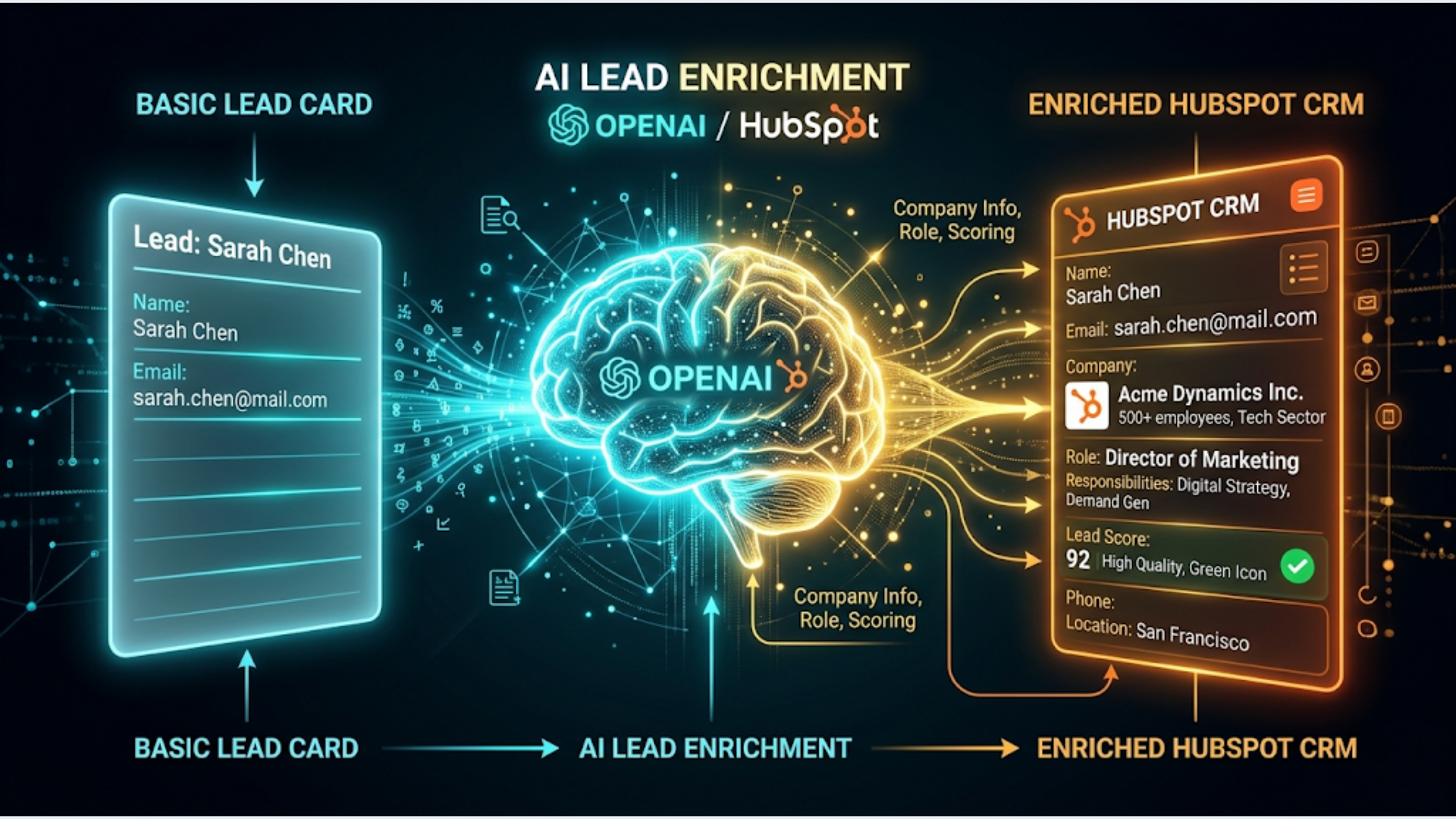
How to Automate Lead Enrichment with OpenAI + HubSpot
Most sales teams spend 30-45 minutes researching each new lead manually. Opening LinkedIn, checking the company website, reading their About page, trying to figure out tech stack, company size, and potential pain points. Then they type a summary into HubSpot.
That entire process takes about 60 seconds when automated. And costs $0.01-0.05 per lead.
I build these systems using OpenAI for the intelligence layer and HubSpot as the CRM. n8n ties them together. Every new contact in HubSpot triggers automatic research, enrichment, and a Slack alert with a summary your sales team can act on immediately.
This guide walks through the complete build.
What Automated Lead Enrichment Actually Does
Traditional enrichment tools like Clearbit or ZoomInfo give you firmographic data. Company size, industry, revenue range, technology used. They are good but expensive. Clearbit starts around $99/month. ZoomInfo is significantly more.
OpenAI-powered enrichment does something different. Instead of pulling from a database, it researches the lead’s domain in real-time and generates contextual intelligence.
Here is what the pipeline produces for each new lead:
- Company summary: What they do, in 2-3 sentences
- Industry vertical: Specific categorization (not just “Technology” but “B2B SaaS, project management tools”)
- Estimated company size: Based on publicly available signals
- Tech stack indicators: Technologies mentioned on their website, job postings, or integrations page
- Potential pain points: Based on company type, size, and industry patterns
- Conversation starters: 2-3 personalized talking points for the first outreach
- Lead score suggestion: Hot, warm, or cold based on fit indicators
This is not magic. OpenAI is working with publicly available information. It will not find data that does not exist online. But it is remarkably good at synthesizing scattered information into a useful sales brief.
The cost breakdown is straightforward. GPT-4o-mini handles this well. Each enrichment uses roughly 1,000-2,000 tokens input and 500-800 tokens output. At current pricing, that is $0.01-0.05 per lead depending on how much context you feed it.
Compare that to $1-5 per lead on enrichment platforms. Or 30 minutes of a salesperson’s time.
The Architecture
Here is the flow:
- New contact created in HubSpot (manual entry, form submission, or import)
- HubSpot webhook triggers n8n
- n8n extracts the contact’s email domain
- n8n fetches publicly available information about the domain
- n8n sends the information to OpenAI with a structured prompt
- OpenAI returns enriched data in JSON format
- n8n updates the HubSpot contact with enriched fields
- n8n sends a Slack alert to the sales channel
What you need:
- HubSpot account (free CRM works, but Pro gives you custom properties and workflows)
- n8n instance
- OpenAI API key
- Slack workspace with an incoming webhook or bot token
Step 1: Set Up HubSpot Custom Properties
Before building the automation, create custom properties in HubSpot to store the enriched data. Go to Settings > Properties > Contact Properties. Create these:
| Property Name | Field Type | Group |
|---|---|---|
| AI Company Summary | Multi-line text | Contact information |
| AI Industry Vertical | Single-line text | Contact information |
| AI Estimated Size | Dropdown (1-10, 11-50, 51-200, 201-1000, 1000+) | Contact information |
| AI Tech Stack | Multi-line text | Contact information |
| AI Pain Points | Multi-line text | Contact information |
| AI Conversation Starters | Multi-line text | Contact information |
| AI Lead Score | Dropdown (Hot, Warm, Cold) | Contact information |
| AI Enriched Date | Date picker | Contact information |
| AI Enrichment Status | Dropdown (Pending, Enriched, Failed, Skipped) | Contact information |
Prefix everything with “AI” so your team knows this data was generated, not manually entered. Transparency matters.
The “AI Enrichment Status” field is important for the automation. It prevents re-processing contacts that have already been enriched, and flags failures for review.
Step 2: Build the n8n Trigger and Domain Research
Create a new n8n workflow.
Trigger option 1: HubSpot Webhook If you have HubSpot Pro or higher, create a workflow in HubSpot that fires a webhook when a new contact is created. This is the cleanest approach.
Trigger option 2: Polling If you are on HubSpot Free, use n8n’s Schedule Trigger. Poll HubSpot every 5 minutes for contacts where “AI Enrichment Status” is empty. Use the HubSpot node with a filter:
GET /crm/v3/objects/contacts?filterGroups[0][filters][0][propertyName]=ai_enrichment_status&filterGroups[0][filters][0][operator]=NOT_HAS_PROPERTYEither way, you end up with a contact that needs enrichment.
Extract the domain: From the contact’s email, extract the domain. A simple Code node handles this:
const email = $input.first().json.properties.email;
const domain = email ? email.split('@')[1] : null;

// Skip personal email domains
const personalDomains = ['gmail.com', 'yahoo.com', 'hotmail.com', 'outlook.com', 'rediffmail.com', 'ymail.com'];

if (!domain || personalDomains.includes(domain.toLowerCase())) {
  return [{ json: { skip: true, reason: 'personal_email' } }];
}

return [{ json: { domain, email, skip: false } }];
Add an IF node after this. If skip is true, update the HubSpot contact’s AI Enrichment Status to “Skipped” and stop. Personal email domains do not have company websites to research.
For Indian leads, add rediffmail.com and other common Indian personal email providers to the skip list.
Fetch domain information: Use an HTTP Request node to fetch the company’s website. Hit the domain directly:
GET https://{domain}Set a timeout of 10 seconds. Some domains will not respond. Handle that gracefully.
You do not need the full HTML. Extract the text content. Use a Code node to strip HTML tags and truncate to the first 3,000 characters. This gives OpenAI enough context without blowing up token costs.
const html = $input.first().json.body;
const text = html
  .replace(/<script[^>]*>[\s\S]*?<\/script>/gi, '')
  .replace(/<style[^>]*>[\s\S]*?<\/style>/gi, '')
  .replace(/<[^>]+>/g, ' ')
  .replace(/\s+/g, ' ')
  .trim()
  .substring(0, 3000);

return [{ json: { website_text: text } }];
Step 3: The OpenAI Enrichment Prompt
This is where the intelligence happens. The prompt design determines the quality of your enrichment.
Add an OpenAI node (or HTTP Request node hitting the OpenAI API). Use gpt-4o-mini for cost efficiency. gpt-4o produces slightly better results but at 10x the cost. For lead enrichment, mini is sufficient.
Here is the prompt structure:
System: You are a B2B sales research analyst. Given a company's website content and domain, produce a structured analysis for a sales team. Be specific and actionable. Do not fabricate information. If you cannot determine something, say "Unknown" rather than guessing.

User: Analyze this company for sales outreach purposes.

Domain: {domain}
Website content: {website_text}
Contact email: {email}

Return a JSON object with these fields:
- company_summary: 2-3 sentence description of what this company does
- industry_vertical: Specific industry categorization
- estimated_size: One of "1-10", "11-50", "51-200", "201-1000", "1000+"
- tech_stack: Comma-separated list of technologies mentioned or implied
- pain_points: 2-3 likely pain points based on company type and size
- conversation_starters: 2-3 personalized talking points for first outreach
- lead_score: "Hot", "Warm", or "Cold" based on: Hot = actively mentions automation/AI needs or is in a vertical we serve well; Warm = could benefit from automation but no explicit signals; Cold = unlikely fit or insufficient information

Return ONLY valid JSON. No markdown formatting.
Set the response format to JSON mode if available in your OpenAI node. This ensures structured output.
Parse the response: Add a Code node to parse the JSON response and handle edge cases:
const response = $input.first().json.message.content;
let enrichment;

try {
  enrichment = JSON.parse(response);
} catch (e) {
  return [{ json: { enrichment_failed: true, raw_response: response } }];
}

return [{ json: enrichment }];
If parsing fails, the contact gets marked as “Failed” in HubSpot. You can review and manually process these.
Step 4: Update HubSpot and Alert the Team
Update HubSpot contact: Use the HubSpot node with the “Update Contact” operation. Map the enriched fields:
| HubSpot Property | Value |
|---|---|
| AI Company Summary | {company_summary} |
| AI Industry Vertical | {industry_vertical} |
| AI Estimated Size | {estimated_size} |
| AI Tech Stack | {tech_stack} |
| AI Pain Points | {pain_points} |
| AI Conversation Starters | {conversation_starters} |
| AI Lead Score | {lead_score} |
| AI Enriched Date | Current date |
| AI Enrichment Status | ”Enriched” |
Send Slack alert: Add a Slack node. Post to your sales channel.
Format the message for quick scanning:
New Lead Enriched

Name: {contact_name}
Company: {domain}
Score: {lead_score}

Summary: {company_summary}

Pain Points: {pain_points}

Conversation Starters:
{conversation_starters}

View in HubSpot: {hubspot_contact_url}
For “Hot” leads, consider using Slack’s mention feature to ping specific salespeople. Add a Code node before the Slack node that adds @channel or a specific user mention for hot leads only.
For Indian sales teams: If your team uses WhatsApp instead of Slack, replace the Slack node with a WATI API call. Same data, different delivery channel. Many Indian SMBs run their sales communication on WhatsApp groups. Meeting your team where they already work increases the chance they actually act on the enrichment data.
Step 5: Handle Edge Cases and Improve Quality
Websites behind Cloudflare or requiring JavaScript: Some company websites will not return useful content via a simple HTTP GET. They use JavaScript rendering or have bot protection. For these, the website_text will be empty or contain only Cloudflare challenge HTML.
Add a check. If the website text is less than 100 characters or contains “Cloudflare” challenge markers, fall back to a simpler prompt that only uses the domain name. OpenAI can still provide useful (if less detailed) enrichment based on the domain alone for well-known companies.
Duplicate domains: If you import 50 contacts from the same company, you do not want to run 50 identical enrichment calls. Before the OpenAI call, check if another contact with the same domain has already been enriched. If yes, copy the enrichment data from the existing contact instead of calling OpenAI again. This saves money and API calls.
Rate limiting: OpenAI has rate limits based on your tier. If you import a large batch of contacts, n8n will try to process them all simultaneously. Add a SplitInBatches node to process 5-10 contacts at a time with a 2-second delay between batches.
HubSpot’s API also has rate limits (100 calls per 10 seconds for free, 200 for Pro). The same batching approach handles this.
Enrichment quality monitoring: Not every enrichment will be accurate. Periodically review a sample of enriched contacts. If you notice patterns (certain industries getting poor results, specific types of websites returning garbage), adjust your prompt accordingly.
Add a simple feedback mechanism. Create a “AI Enrichment Quality” dropdown in HubSpot (Good, Okay, Poor). Ask your sales team to rate enrichments when they use them. Export and analyze monthly.
Cost Analysis at Scale
Here is what this costs at different volumes:
| Monthly Leads | OpenAI Cost | HubSpot API | Total Cost | Per Lead |
|---|---|---|---|---|
| 100 | $1-5 | Free | $1-5 | $0.01-0.05 |
| 500 | $5-25 | Free | $5-25 | $0.01-0.05 |
| 2,000 | $20-100 | Free | $20-100 | $0.01-0.05 |
| 10,000 | $100-500 | Free | $100-500 | $0.01-0.05 |
Compare to Clearbit at $99-999/month (volume-dependent) or ZoomInfo at $15,000+/year. The OpenAI approach is cheaper at every scale.
The trade-off is data type. Enrichment platforms pull verified data from databases. OpenAI synthesizes from publicly available information. For firmographics like exact employee count and revenue, Clearbit is more accurate. For contextual intelligence like pain points and conversation starters, OpenAI is better.
The smart play is often both. Use a cheap enrichment tool for hard data, and OpenAI for the contextual layer.
FAQ
Can I use Claude instead of OpenAI? Yes. Claude works well for this. The prompt structure stays the same. Claude tends to be more cautious about speculative claims, which means fewer false positives but occasionally sparser output. I build these systems with both. The choice usually comes down to which API the client already has access to.
Does this work with Zoho CRM or Salesforce instead of HubSpot? Same architecture, different API calls. n8n has native nodes for Zoho CRM and Salesforce. The enrichment logic (domain research + OpenAI) stays identical. Only the trigger and update steps change. Zoho is particularly popular with Indian SMBs and the setup is nearly identical.
What about GDPR and data privacy? You are processing publicly available website information and sending it to OpenAI’s API. Under GDPR, this generally falls under legitimate interest for B2B prospecting. However, you should have a privacy policy that discloses AI processing. Consult a legal advisor for your specific jurisdiction. For Indian businesses, the DPDPA applies similarly.
Can I enrich leads from LinkedIn instead of website data? Not directly through the API (LinkedIn restricts scraping). But if your leads come with a LinkedIn profile URL, you can use it as additional context in the OpenAI prompt. The URL itself gives OpenAI information about the person’s public profile.
What if OpenAI hallucinates company information?
It happens. The “Do not fabricate information” instruction in the system prompt reduces this significantly. The JSON structure with “Unknown” as a valid response also helps. Monitor your enrichment quality and adjust the prompt. Using gpt-4o instead of gpt-4o-mini reduces hallucinations but increases cost 10x.
How do I handle leads from the same company? Build deduplication. Before enriching, check if another contact with the same email domain already has enrichment data in HubSpot. If yes, copy the company-level fields (summary, size, industry, tech stack) and only re-generate the conversation starters (since those can be personalized per contact role). This cuts costs and ensures consistency.
Can I add manual enrichment sources like LinkedIn Sales Navigator data? Yes. Create additional HubSpot fields for manual enrichment data. Modify the OpenAI prompt to include any existing manual data as context. The AI enrichment supplements manual research rather than replacing it.
Lead enrichment is one of the highest-ROI automations for any sales team. If you want this built and customized for your CRM and sales process, triggerAll can set it up.
Need help implementing this?
Book a free 30-minute discovery call. We'll map your current setup, identify quick wins, and outline what automation can do for your business.
Book a Free Discovery Call